
A fresh year is a good excuse to clean up a few things most people put off: reused passwords, old accounts nobody closed, and a backup that was set up once and never checked since. This guide covers a quick password checkup, closing old accounts, and confirming your backup actually works.
New Year digital cleanup, step by step
!Still using the same password everywhere?
A few minutes of digital cleanup now can save you a real headache later.
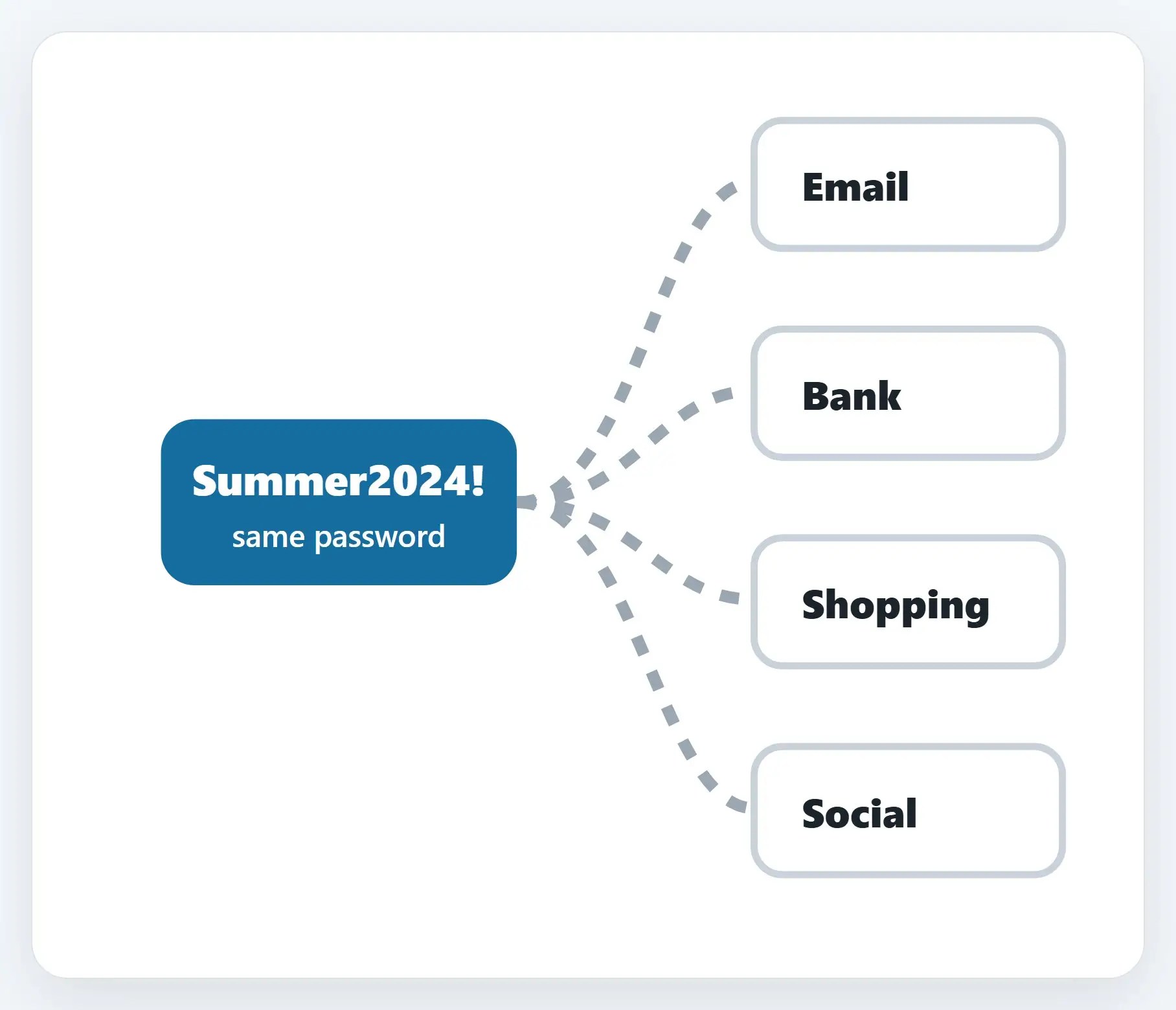
1Run a password checkup
A password manager will flag any password you’ve reused or that’s shown up in a breach.
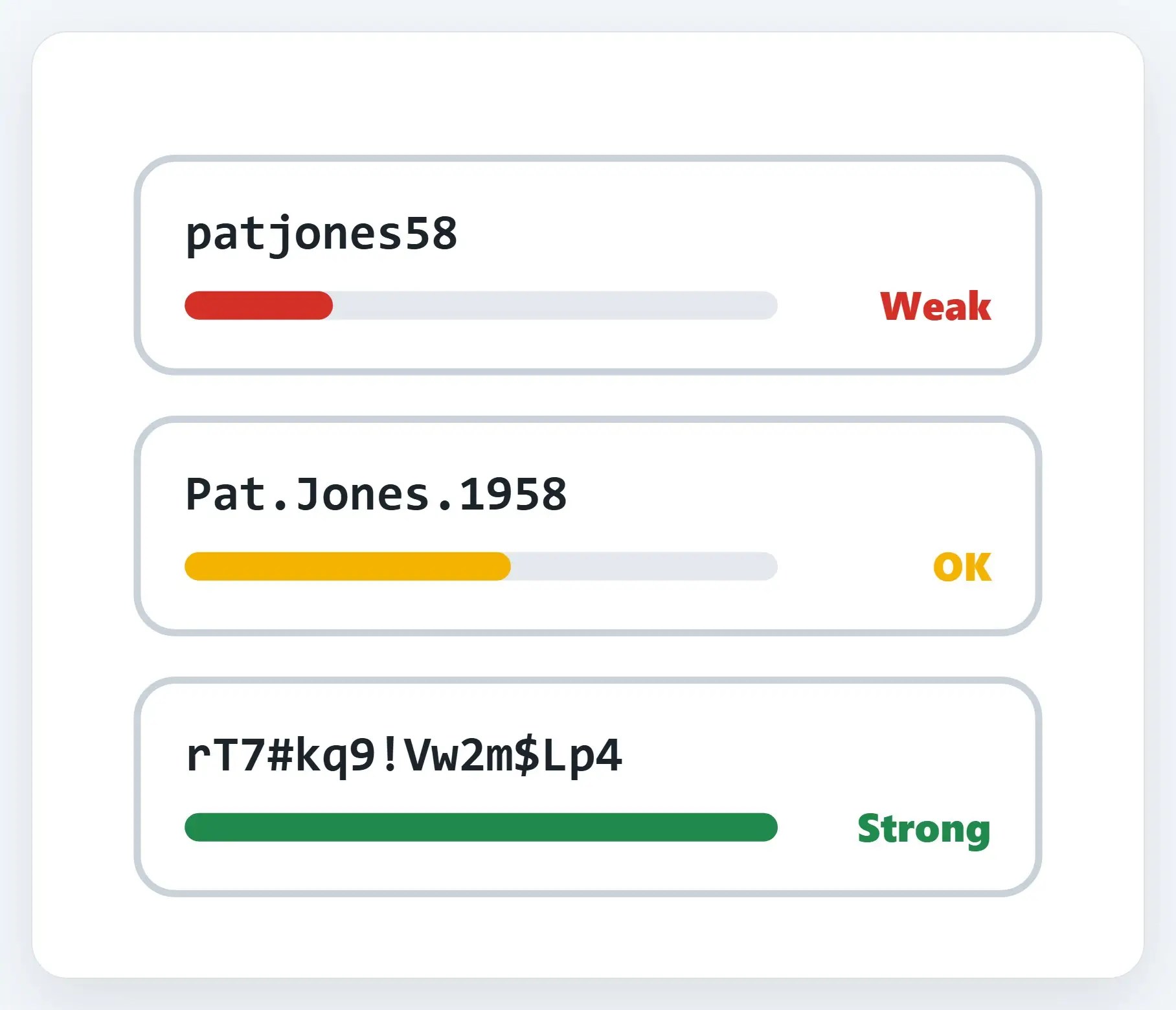
2Close old accounts you don’t use
Think old shopping sites, old email addresses, apps you tried once and forgot about.

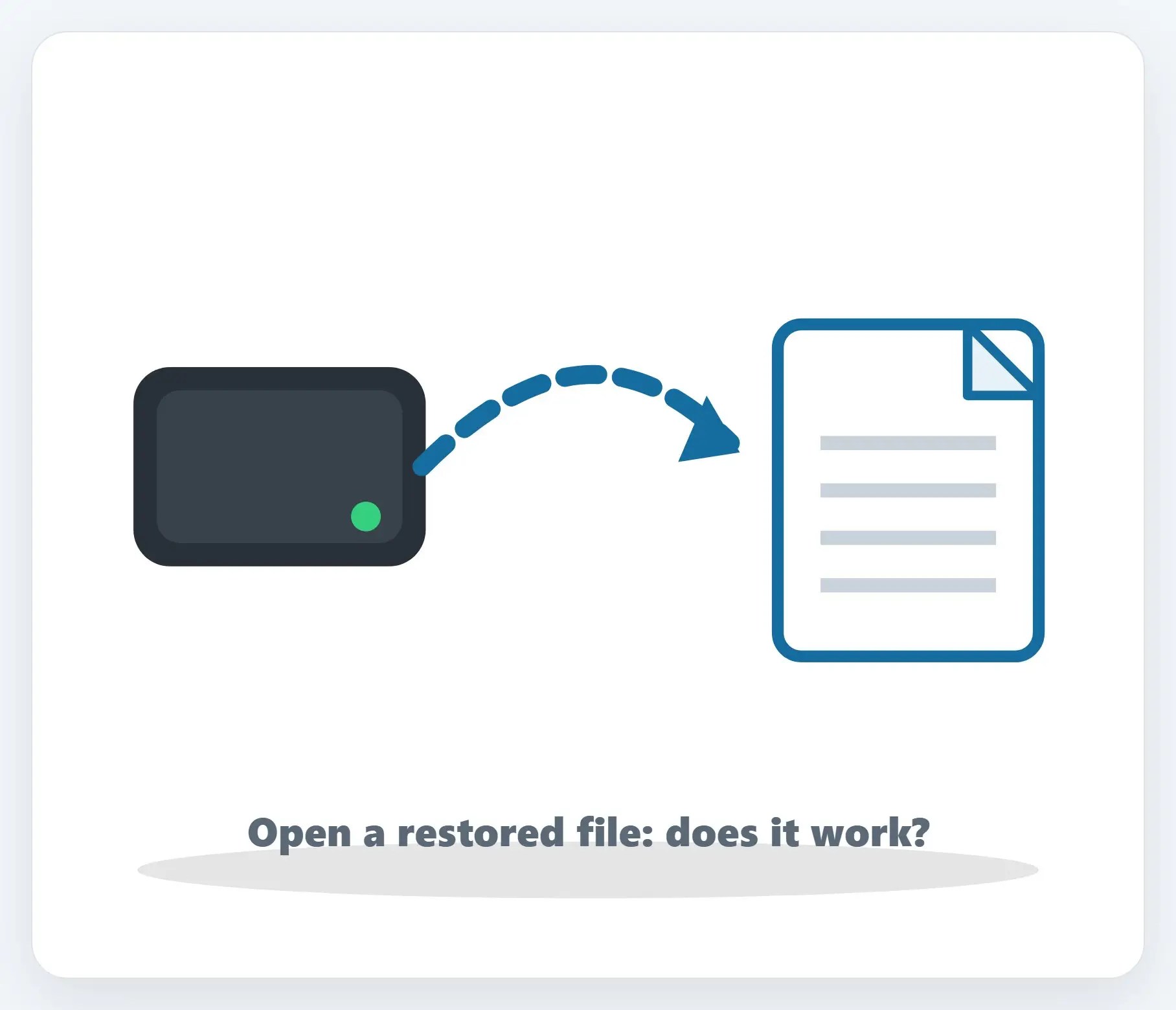
3Confirm your backup actually works
Open your backup drive or cloud backup, and check that recent files are really there.
★Want help running the full cleanup?
We’ll check your passwords, close old accounts with you, and test that your backup really works.
A few more habits
- Use a password manager — It remembers strong, unique passwords so you don’t have to
- Turn on MFA everywhere — Email, banking, and social media first
- Let your devices and apps update — Most security fixes arrive quietly, through routine updates
Recap: new year digital cleanup
- Run a password checkup, fix reused and weak ones first
- Close old accounts you don’t use anymore
- Confirm your backup actually works, try restoring a file
- Use a password manager and turn on MFA everywhere
- Want help? Call Naples Computers
Printable quick guide
Frequently asked questions
How do I know if I’ve reused a password?
A password manager can check your saved logins and flag any password that’s reused across sites, or that’s shown up in a known data breach. Change those first.
Which old accounts should I close first?
Start with old shopping sites, old email addresses, and apps you signed up for once and never used again. Each one is a place your information can sit, or get breached, without you noticing.
How do I actually confirm my backup works?
Open the backup and check that recent files are really there, then try restoring one file. That’s the only way to know for certain a backup actually works when you need it.
What’s the single best habit to start with?
A password manager plus multifactor authentication on email, banking, and social media covers most of the everyday risk on its own.
Related guides
- Password Managers
- Check if your email was in a data breach, and what to do
- Back Up Your Important Files
Source: Use Strong Passwords (CISA)