
Most people think of a software update as a nuisance, a notification to dismiss and deal with later. But a patch isn’t just a new feature; it’s a fix for a known security problem, released specifically because the issue it fixes has already been found, sometimes publicly. Once a patch is released, attackers know exactly which older, unpatched systems to target. Patch management is the process that closes that gap: tracking every device and piece of software a business runs, scheduling and testing updates instead of applying them at random, and confirming that every update actually finished rather than silently failing. This guide walks through what that process looks like.
What patch management actually covers
!That update notice, ignored again?
Every skipped update is a known security hole left open, and attackers actively look for exactly that.
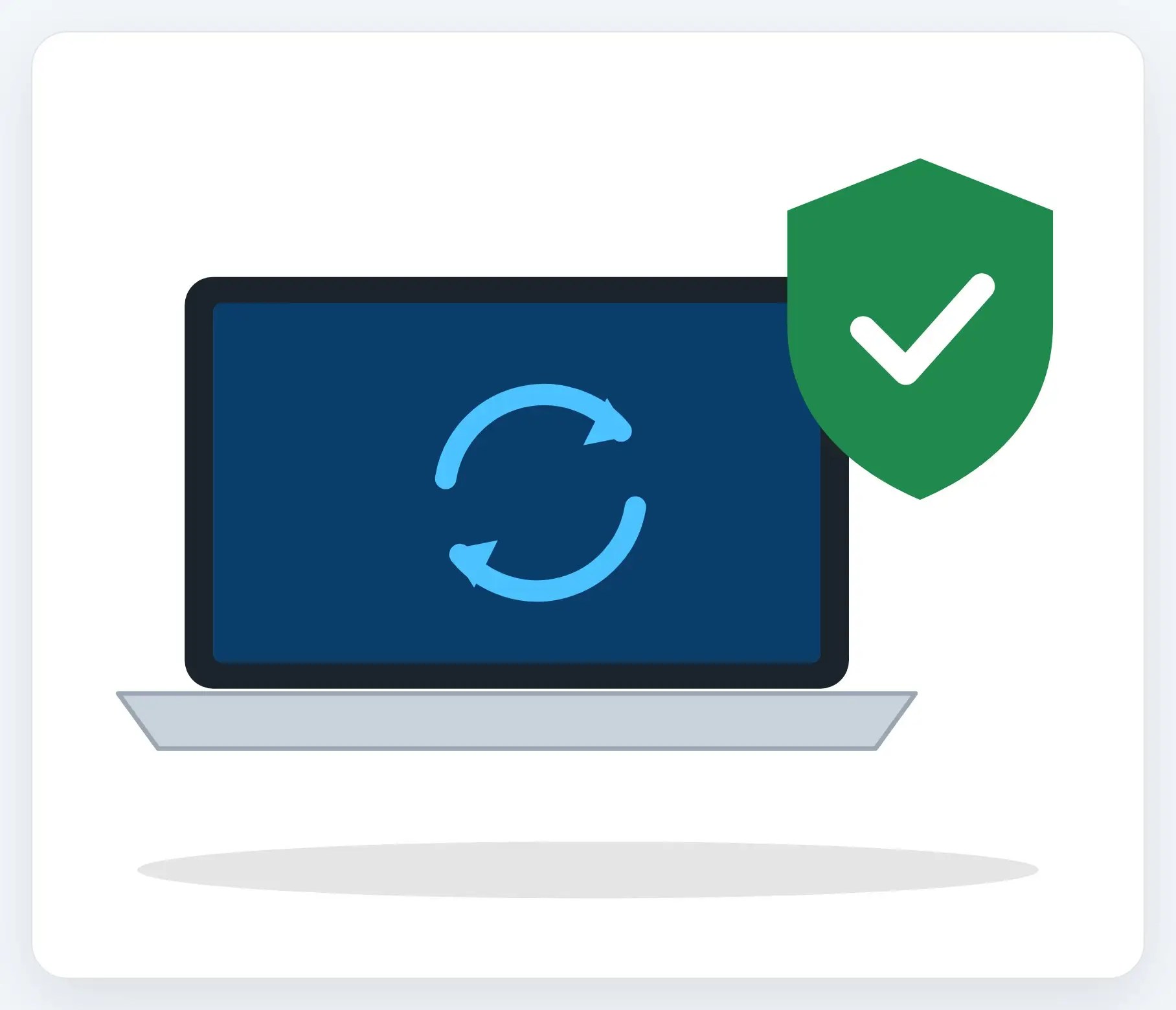
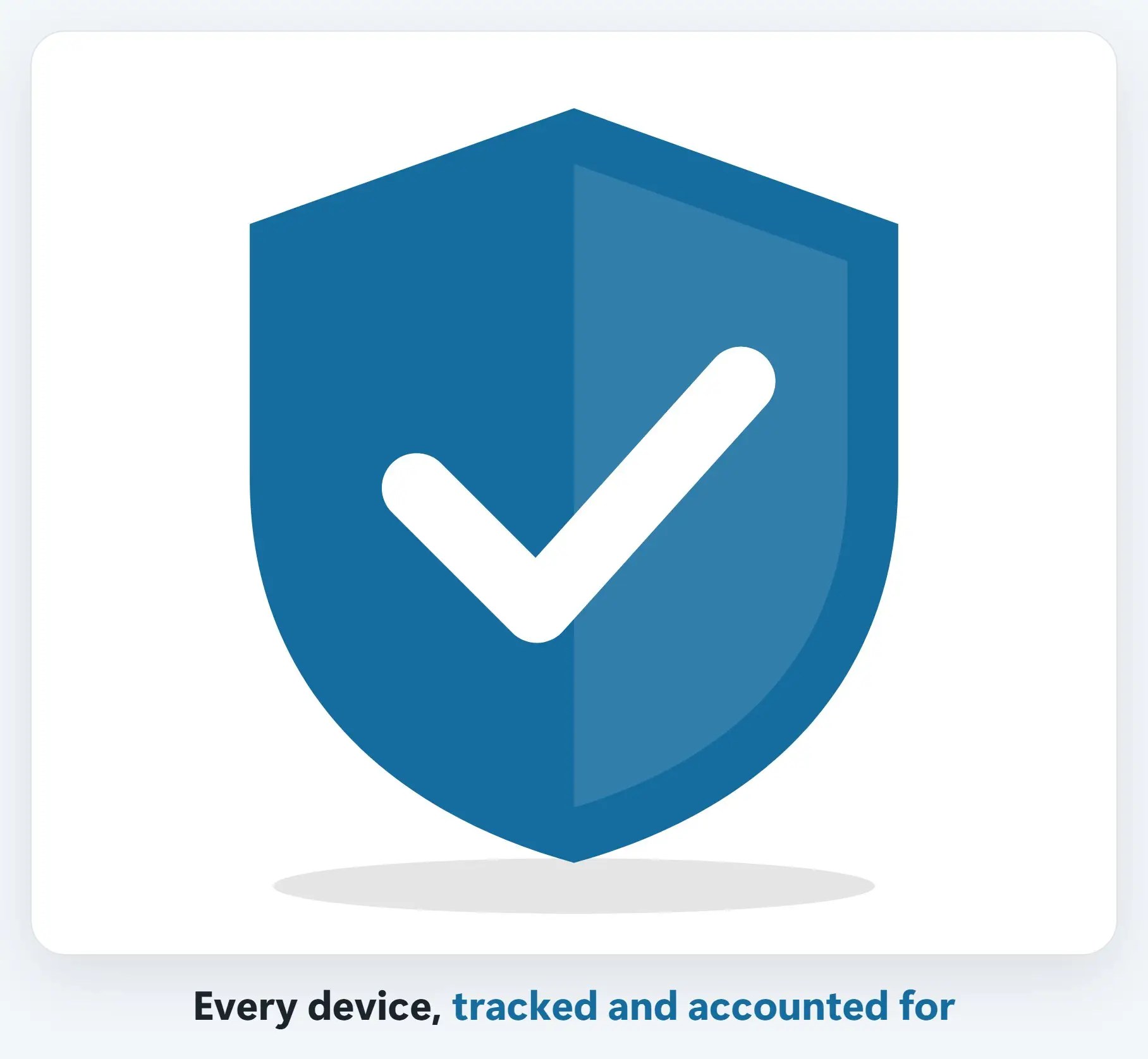
1Every device gets tracked, not just a few
A real inventory of every computer, server and piece of software, so nothing quietly falls behind.
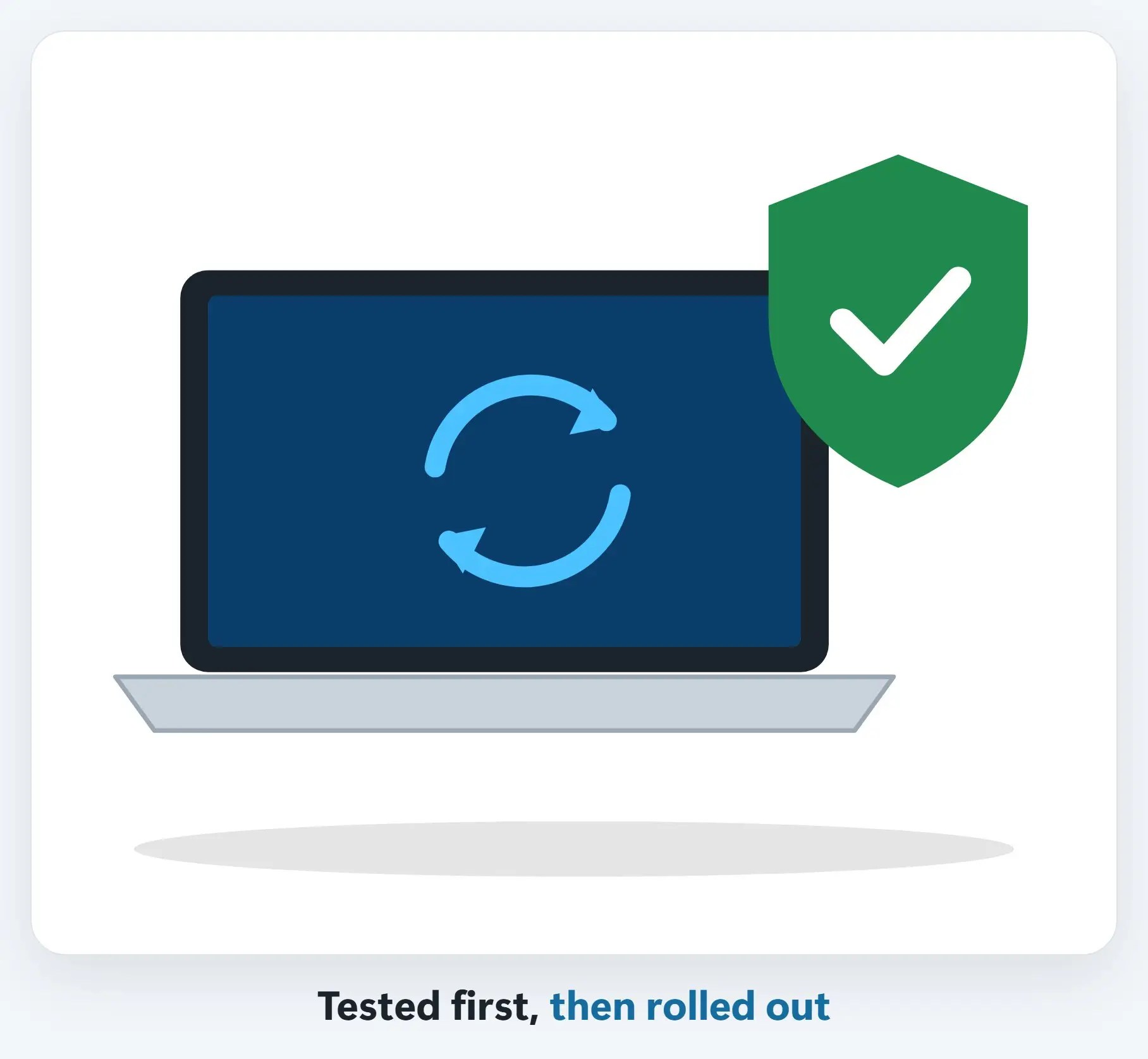
2Updates are scheduled, not random
Patches go out on a regular schedule, tested first so an update doesn’t break something else.
3Someone confirms it actually worked
A failed update that silently didn’t install is the same risk as never updating at all.

A few tips
- Turn on automatic updates where you can — For the devices and software where that’s safe to do, it closes the gap fastest
- Don’t forget software, not just the operating system — Browsers, PDF readers and line-of-business apps get patched too, and attackers target them
- Know which devices haven’t checked in — A laptop that’s been offline for weeks is the one most likely to be behind
Recap: patch management explained
- A patch closes a security hole that’s already been found
- Every device is tracked, so nothing falls behind unnoticed
- Updates are scheduled and tested, not random
- Someone confirms every update actually finished
Printable quick guide
Frequently asked questions
What is patch management?
Patch management is the process of tracking every device and piece of software a business runs, scheduling and testing security updates, and confirming that each update actually installed successfully, rather than relying on individual employees to click “update” on their own.
Why is a software update considered a security issue?
Because a patch is released specifically to fix a vulnerability that’s already been found. Once that fix is public, attackers know exactly which unpatched systems to target, making a skipped update a known, specific risk rather than a general one.
Should updates install automatically?
Automatic updates are a good practice for the devices and software where it’s safe to do so, since it closes the security gap fastest. Critical systems are often still tested first, so an update doesn’t unexpectedly break something else.
What’s commonly missed in patch management?
Software beyond the operating system, like web browsers, PDF readers, and line-of-business apps, along with devices that haven’t checked in for a while, such as a laptop that’s been offline.
Related guides
- What Is Managed IT? A Plain-English Guide for Small Business
- The First Hour After a Cyberattack (Small Business)
- Is Your Office Wi-Fi Secure?
Source: Understanding Patches and Software Updates (CISA Security Tip ST04-006)