
A lot of businesses bought Microsoft 365 through GoDaddy, sometimes branded “Microsoft 365 from GoDaddy,” without realizing that a reseller account can limit admin center access and licensing flexibility by default. This guide covers why some businesses choose to move to Microsoft 365 directly or through a Microsoft Partner, what actually changes for staff (almost nothing: same email address, same Outlook, just signing in again once), and the same zero-downtime migration process used for any move to Microsoft 365.
What is “Microsoft 365 from GoDaddy”?
None of this is a knock on GoDaddy. It’s a real Microsoft product, sold through a reseller, and that’s just how reseller accounts work.
Why some businesses move
- Full admin center control — Manage users, licensing and settings yourself, without going through a reseller
- More licensing flexibility — Mix plans, add or remove users, and access the full Microsoft 365 feature set
- A Microsoft Partner who knows your setup — Someone to call directly when something needs attention
What changes for your staff? Almost nothing.
- Same email address
- Same Outlook, same look and feel
- Just sign in again — A one-time step, right after the move
Moving your business email off GoDaddy Microsoft 365
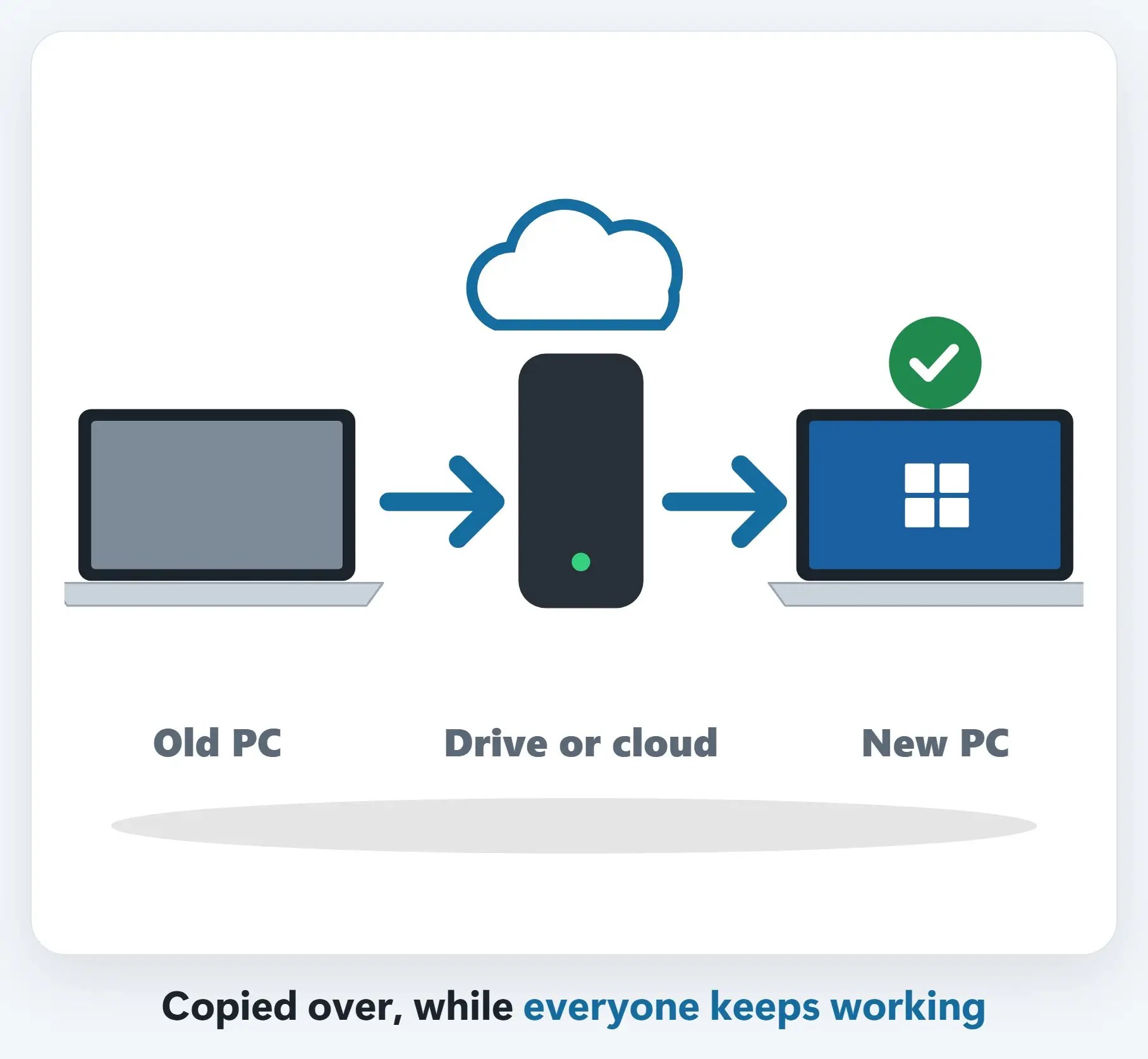
1A new tenant, built first, then mail copied over
A new Microsoft 365 tenant gets built and licensed. Mail, calendars and contacts copy over ahead of time, while you keep working.
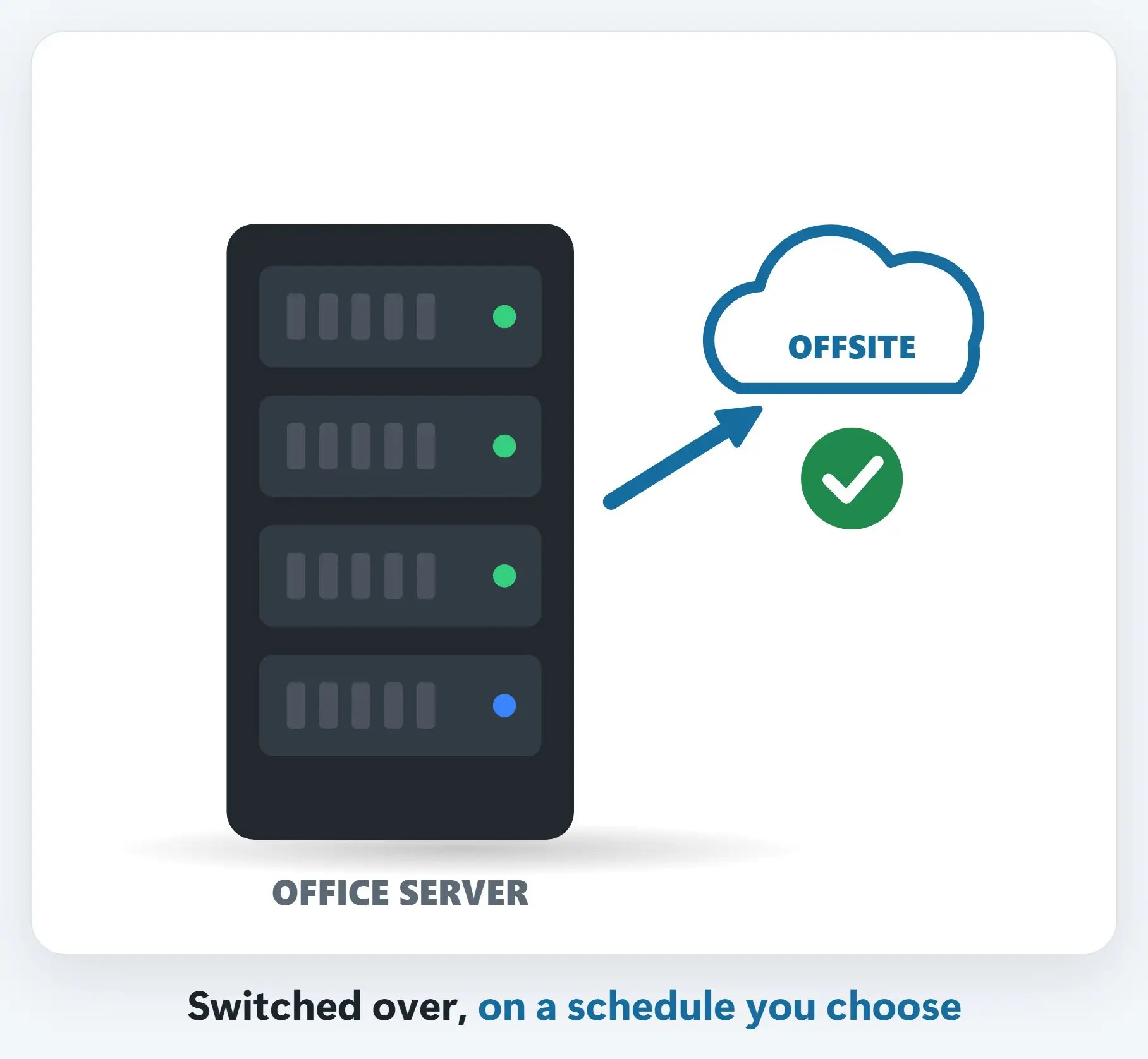
2The MX record is held, then switched
The record that tells the internet where your mail goes stays put until everything’s ready, then switches on a schedule you choose.
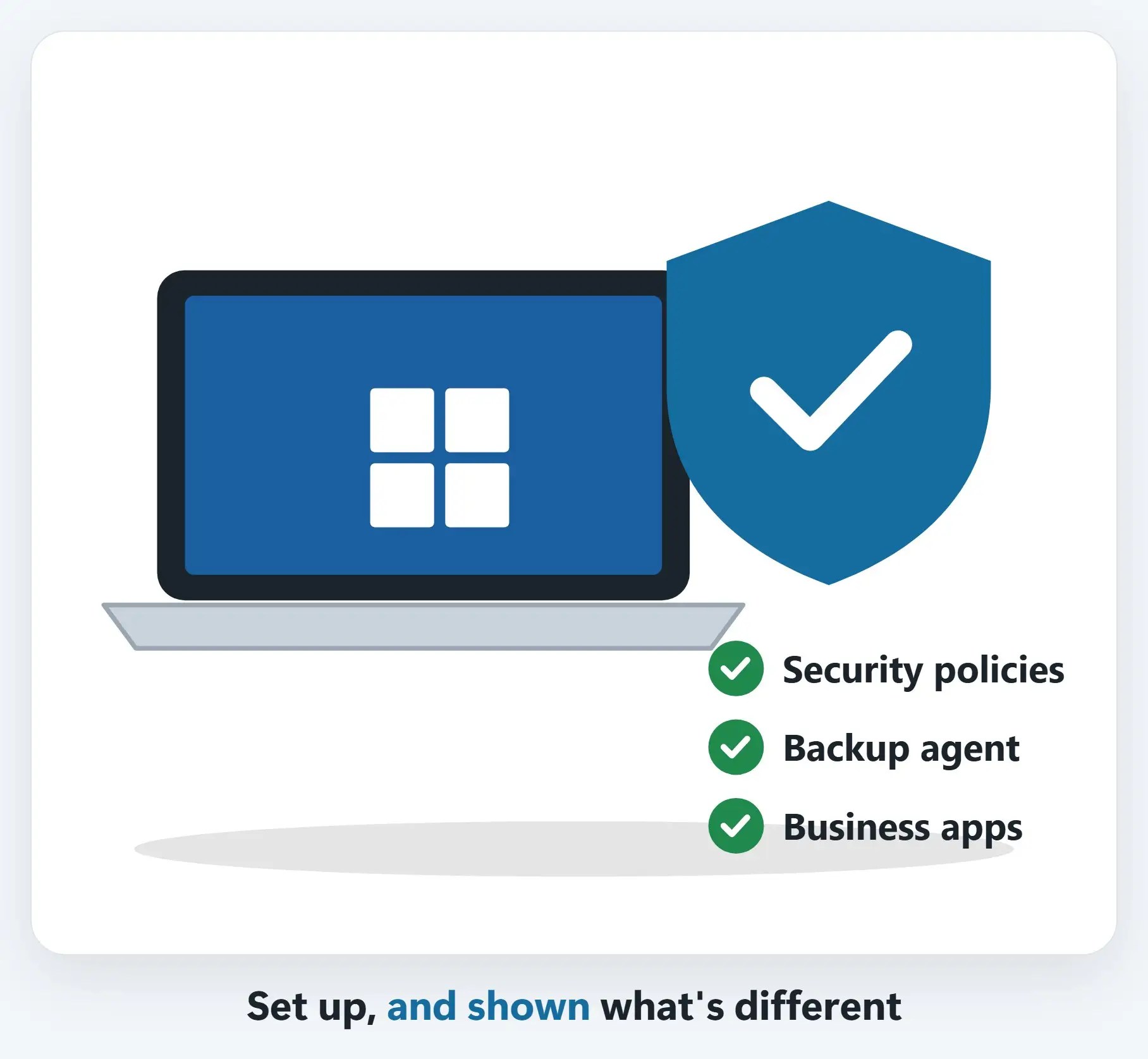
3A final sync, then Outlook and phones
A final sync catches anything sent during the switch. Then Outlook and phones get set up, a short, guided step for your team.
Recap: moving off GoDaddy Microsoft 365
- Reseller accounts limit admin control by default
- Moving direct, or to a Partner, restores full control
- Same email, same Outlook, just sign in again
- Zero downtime: same process as any migration
Printable quick guide
Frequently asked questions
What does “Microsoft 365 from GoDaddy” mean?
It means Microsoft 365 was purchased through GoDaddy as an authorized reseller, rather than directly from Microsoft or through a Microsoft Partner. GoDaddy manages that account on Microsoft’s behalf, which restricts some admin center settings by default.
Why would a business move off GoDaddy Microsoft 365?
To get full admin center control over users, licensing and settings, more flexibility to mix plans or access the full Microsoft 365 feature set, and a Microsoft Partner who knows the setup and can be reached directly.
Will moving off GoDaddy change our email address or Outlook?
No. Staff keep the same email address and the same Outlook, with the same look and feel. The only step is signing in again once, right after the move.
Does moving off GoDaddy Microsoft 365 cause downtime?
It doesn’t have to. It uses the same zero-downtime process as any Microsoft 365 migration: a new tenant is built, mail is copied over ahead of time, the MX record is held until everything is ready, then switched on a scheduled cutover, with a final sync afterward.
Is moving off GoDaddy a complaint about GoDaddy?
No. Microsoft 365 from GoDaddy is a real Microsoft product resold through GoDaddy, and reseller accounts working this way is normal. Moving to a direct or Partner-managed tenant is simply a routine, well-documented option for businesses that want more control.
Related guides
- Is your office still on an old Exchange server?
- What a Microsoft 365 migration looks like (zero downtime)
Source: Microsoft 365 admin center – Overview (Microsoft Learn)