
If your business uses Microsoft 365, you’ve bumped into OneDrive, SharePoint, and Teams. They sound similar and they overlap, but each has its own job. This guide breaks down what each one actually does, and how they connect.
Three apps, three jobs
They work together, but each one is built for something different.
OneDrive, SharePoint, and Teams, explained
1Your files sync automatically, everywhere
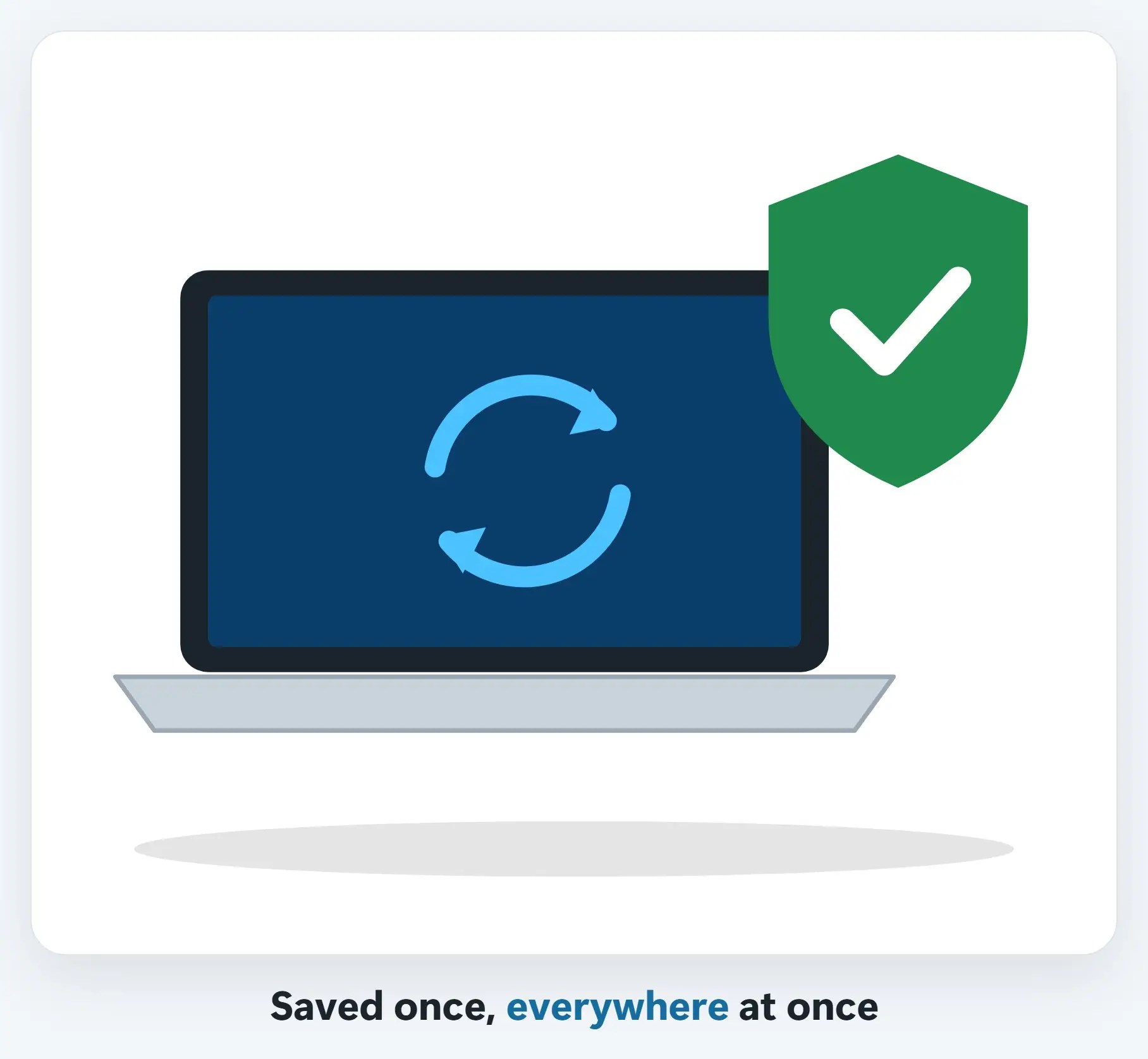
Save a file in OneDrive on your laptop, and it shows up on your phone and your other computer too.
2The whole team works from the same copy
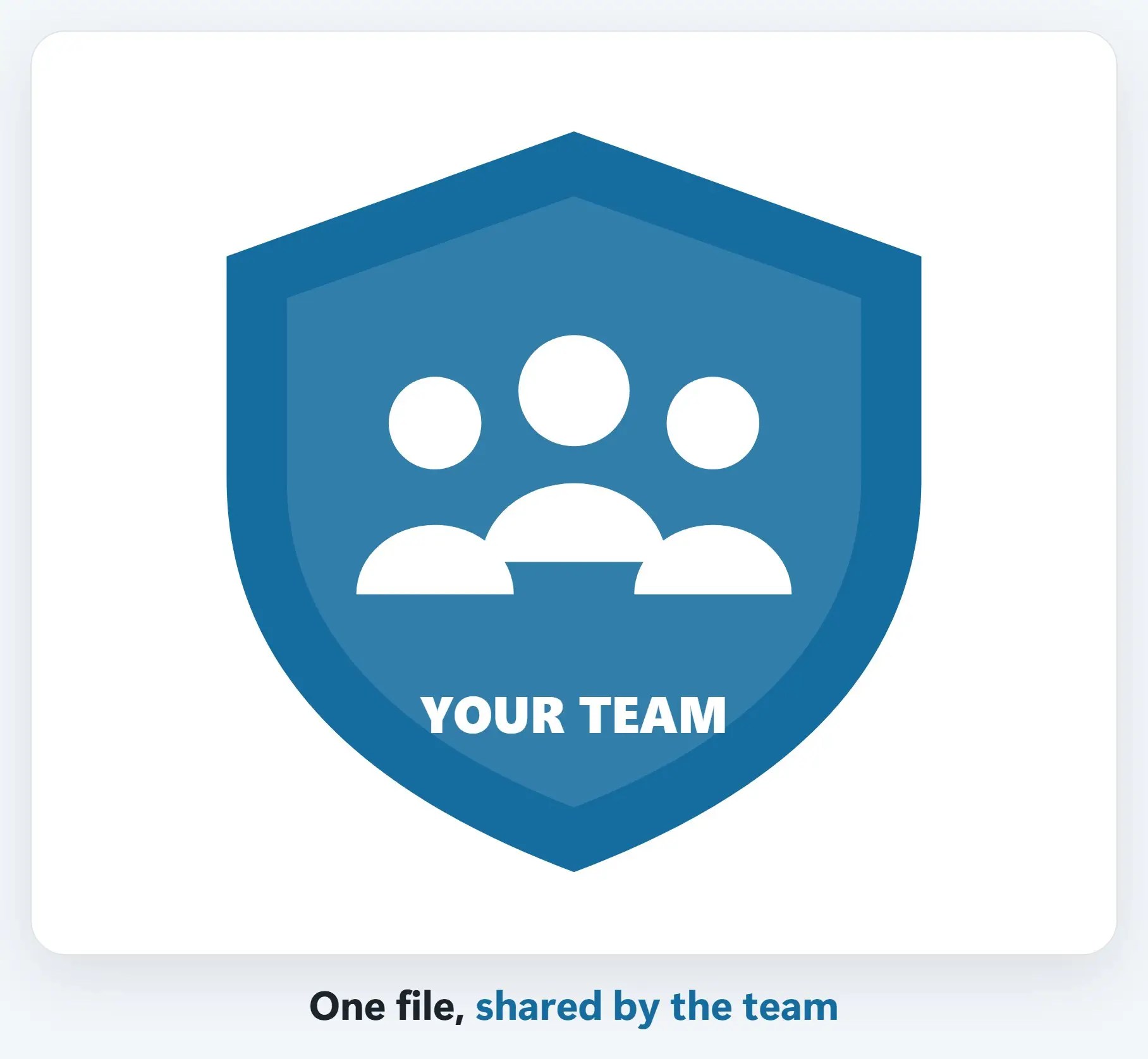
A document in a SharePoint site, or shared in a Teams channel, is the same file for everyone, not separate copies.
A few tips
- Share a link, not an attachment — Everyone edits the same file instead of five different copies
- Channel files live in SharePoint — Chat files live in your OneDrive, shared with just that conversation
- Turn on version history — So you can always go back if someone overwrites something by accident
Recap: OneDrive, SharePoint, and Teams
- OneDrive: your own files, synced everywhere
- SharePoint: the team’s shared site and files
- Teams: chat, meetings, and calls, by channel
- Share a link, not an attachment
Printable quick guide
Frequently asked questions
What’s the difference between OneDrive and SharePoint?
OneDrive is personal storage for an employee’s own files, synced across their devices. SharePoint hosts a shared site and document library the whole team can access.
What is Microsoft Teams used for?
Teams is where chat, meetings, and calls happen, organized into Teams and Channels. Channel conversations and files are visible to everyone on that team.
Where do files shared in Teams actually get stored?
A file shared in a Teams channel is stored in that team’s SharePoint site. A file shared in a one-on-one or group chat is stored in the sender’s OneDrive, shared with just that conversation.
Should I email a file or share a link instead?
Share a link when you can. Everyone works from the same file and sees the same edits, instead of several different copies created by emailing attachments back and forth.
Related guides
- What is managed IT? A plain-English guide
- What a Microsoft 365 migration looks like (zero downtime)
- How to join and use Zoom or Microsoft Teams
Source: Microsoft Teams basics (Microsoft Support)