
A smooth office move is mostly about what gets ordered weeks ahead, not what happens on moving day. This guide to computer network support in Naples covers six things worth planning: ordering internet early, planning the network closet and cabling, designing Wi-Fi coverage for the whole space, getting printers ready on day one, moving the server or NAS safely, and having one partner for the whole move.
Computer network support in Naples: what to plan first
6Signed the lease, but no internet on move-in day?
A new business internet line can take weeks to install. Here’s the tech checklist for moving or opening an office, before the furniture even arrives.
1Order internet service early
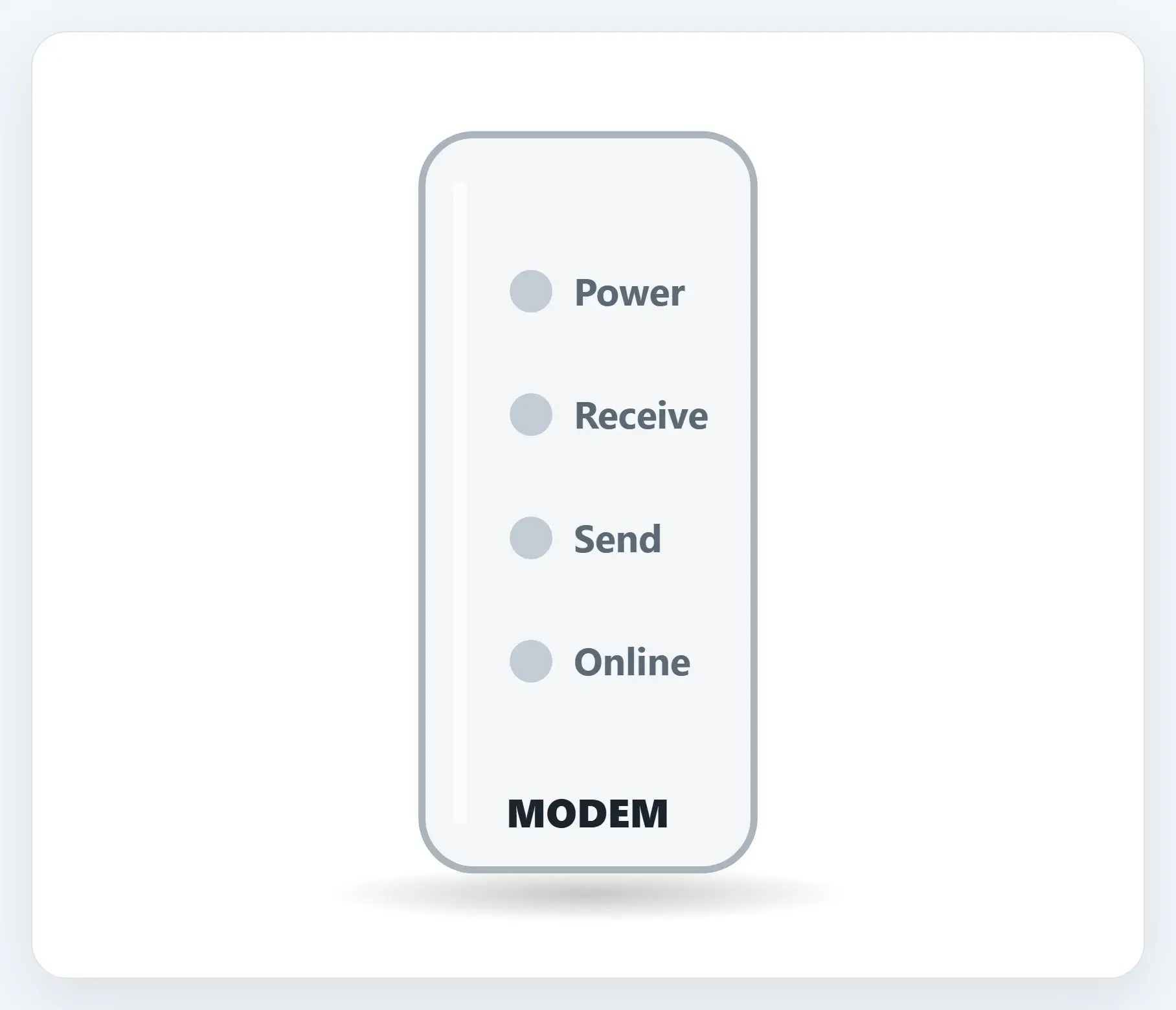
A new business internet line can take weeks to install, sometimes longer if cabling has to be run to the building.

2Plan the network closet and cabling
Where the network equipment lives, and where cables run, is easiest to plan before walls close up or furniture arrives.

3Design Wi-Fi coverage for the whole space
Walls, distance, and open floor plans all change what a space actually needs, not just one router in a closet.

4Printers and shared devices ready on day one
A printer that’s still in the box on move-in day is one more thing standing between your team and actually working.

5Move the server or NAS safely
A server or NAS holds files nobody wants to recreate from memory after a bumpy move.
6One partner for the whole move
Internet, network, phones, and printers are easy to split across different vendors, and easy to lose track of.

The 6-point checklist
- Order internet service early — A new business line can take weeks to install
- Plan the network closet and cabling — Before walls close up or furniture arrives
- Design Wi-Fi coverage for the whole space — Not just wherever the router happens to sit
- Printers and shared devices ready on day one — Set up and tested, not unboxed on move-in day
- Move the server or NAS safely — Backed up first, powered down the right way
- One partner for the whole move — Not a different vendor for every piece
Recap: the computer network support checklist for an office move
- Order internet service early
- Plan the network closet and cabling
- Design Wi-Fi coverage for the whole space
- Printers and shared devices ready on day one
- Move the server or NAS safely
- One partner for the whole move
Printable quick guide
Frequently asked questions
What should be on a checklist for moving or opening an office?
Six things worth planning: ordering internet service early, planning the network closet and cabling, designing Wi-Fi coverage for the whole space, getting printers and shared devices ready on day one, moving the server or NAS safely, and having one partner coordinate the whole move.
How early should a new office order internet service?
As early as possible, ideally the day the lease is signed. A new business internet line can take weeks to install, and that’s usually the longest lead time in an office move.
Does Naples Computers provide computer network support for office moves?
Yes. Naples Computers helps plan and coordinate the network, Wi-Fi, printers, and server move for offices moving or opening in the Naples area.
Is a single router enough Wi-Fi coverage for a new office?
Not usually. Walls, distance, and open floor plans all affect coverage, so most offices need coverage designed for the whole space, not just one router in a closet.
Related guides
- Is Your Office Wi-Fi Secure?
- Back Up Your Important Files
- What Is Managed IT? A Plain-English Guide for Small Business
Source: Broadband Speed Guide (FCC)