
After a hurricane or tropical storm, powering your tech back up the right way matters. This guide covers waiting for steady power, checking for water, what to do (and not do) with water-damaged electronics, getting your data back, powering up your internet in the right order, and avoiding post-storm scams, for homes and businesses across Southwest Florida.
Safety first
- Never touch anything electrical that’s wet — Or while you’re standing in water
- Flooding inside? Leave it to the pros — If it’s safe, turn off power at the main breaker, then call an electrician
- Generators outdoors only — At least 20 feet from windows, doors and garages, with CO detectors inside
- Sensitive electronics on a generator? — An inverter generator gives cleaner, steadier power
Powering your tech back up after the storm, step by step
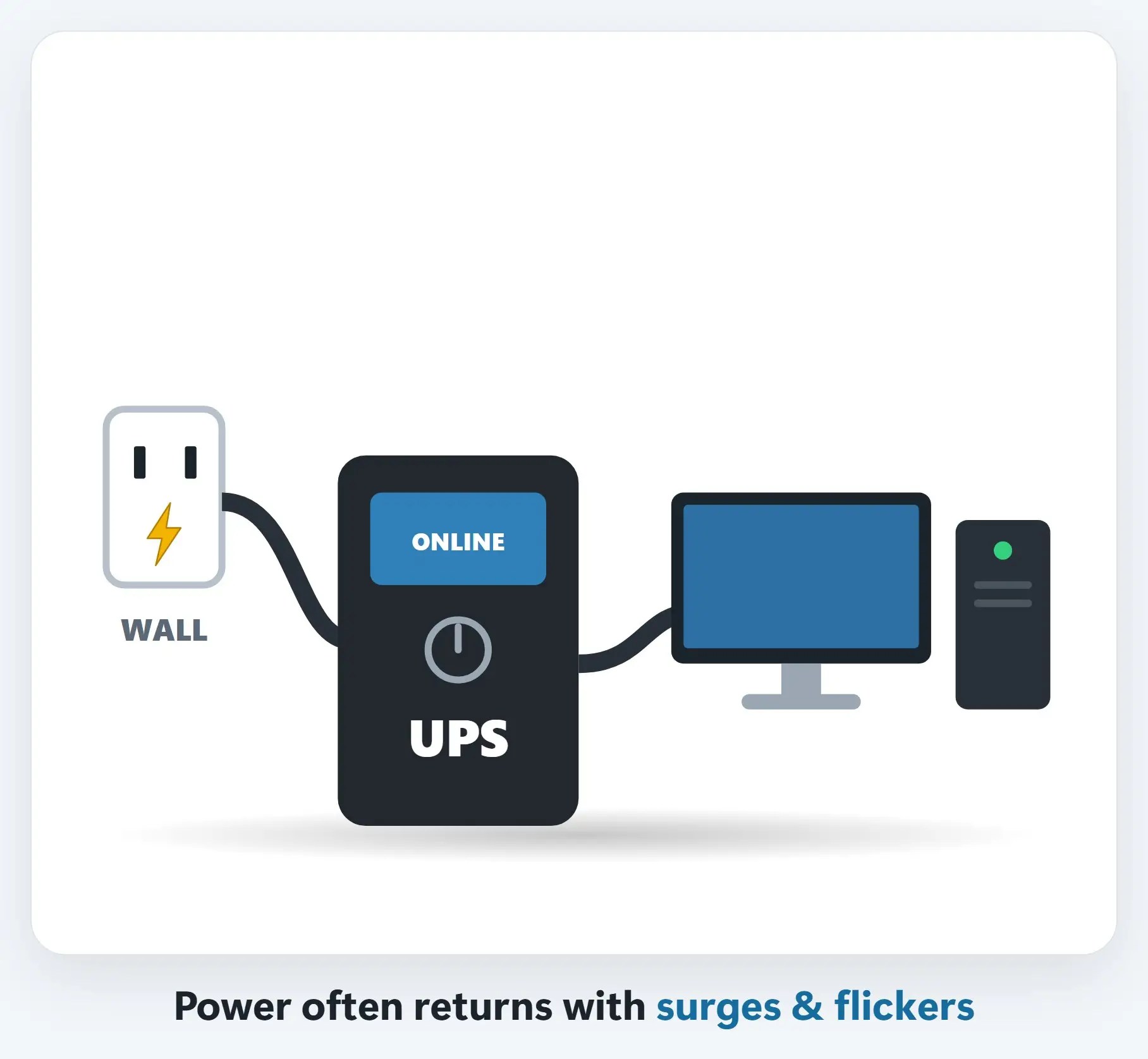
1Wait for steady power
Right after the lights come back, power can flicker, dip and surge while crews work on the lines.
2Check for water before you plug in
Look for water marks, mud, moisture or corrosion on computers, power strips, cords and outlets.

!Skip the rice and the hair dryer
Rice doesn’t pull water out of electronics, and tiny grains and dust can get inside. Heat can warp parts and damage batteries.

+Your photos and files may still be saved
A drowned computer or hard drive often still holds your data. The less it’s powered on, the better the odds.

!Watch out for post-storm scams
Scammers pose as FEMA, insurance adjusters and contractors, by text, email, phone and at your door.

5Photograph damage before you clean up
Take photos and video of damaged equipment, including model and serial number labels, before you throw anything away.

Water-damaged electronics: do’s & don’ts
- Unplug it and keep it off — Remove the battery if it comes out easily
- Dry the outside, then let it air out — Phones: a dry spot with some airflow
- Bring it in quickly — Corrosion keeps working while you wait
- Don’t turn it on “to see if it works” — That’s when most of the damage happens
- Don’t use rice, a hair dryer or heat — Apple warns against rice, heat and compressed air
- Don’t reuse flooded power strips — Surge protectors that were under water must be replaced
Step 3: power up in the right order
- Modem first — Wait for the Online light, usually a couple of minutes
- Then the router — Wait until its lights settle and Wi-Fi appears
- Then computers — And printers, TVs and smart devices
Step 4: once you’re back online
- Check that backups resumed — OneDrive, iCloud, Carbonite or your external drive
- Install waiting updates — Then restart your computer
- Let your UPS recharge — Replace it if it beeps or fails its self-test
- Check surge protectors — “Protected” light off? Replace it
Recap: powering your tech back up safely
- Wait for steady power
- Check for water before you plug in
- Wet? Don’t turn it on. No rice, no heat
- Modem, then router, then computers
- Check backups, updates & your UPS
- FEMA never charges fees
Printable quick guide
Frequently asked questions
Should I put a wet phone or laptop in rice?
No. Rice doesn’t pull water out of electronics, and tiny grains and dust can get inside; Apple also warns against heat and compressed air. Keep it off, gently tap out excess water, leave it somewhere dry with airflow, and bring it to a pro.
When is it safe to plug my computer back in after a storm?
Wait until the power has stayed on steadily, since it can flicker, dip and surge while crews work on the lines. Then check for water marks, mud, moisture or corrosion. If anything got wet, don’t plug it in or turn it on.
What’s the right order for powering your tech back up?
Modem first: wait for its Online light, usually a couple of minutes. Then the router: wait until its lights settle and the Wi-Fi appears. Then computers, printers, TVs and smart devices.
Can I get my files back from a flooded computer?
Often, yes. A drowned computer or hard drive often still holds your data, and the less it’s powered on, the better the odds. Bring it to Naples Computers: the assessment is free, with no recovery, no charge.
Related guides
Source: Power Outages (Ready.gov)