
Hurricane season runs June 1 through November 30, and a little hurricane prep for your computers, phones, photos and business files goes a long way. This checklist covers backups (Windows 11 and iPhone), insurance photos, power protection, unplugging and raising equipment, and a plan for home offices and small businesses in Naples, Marco Island, Bonita Springs, Estero and Fort Myers.
Before the storm: your tech checklist
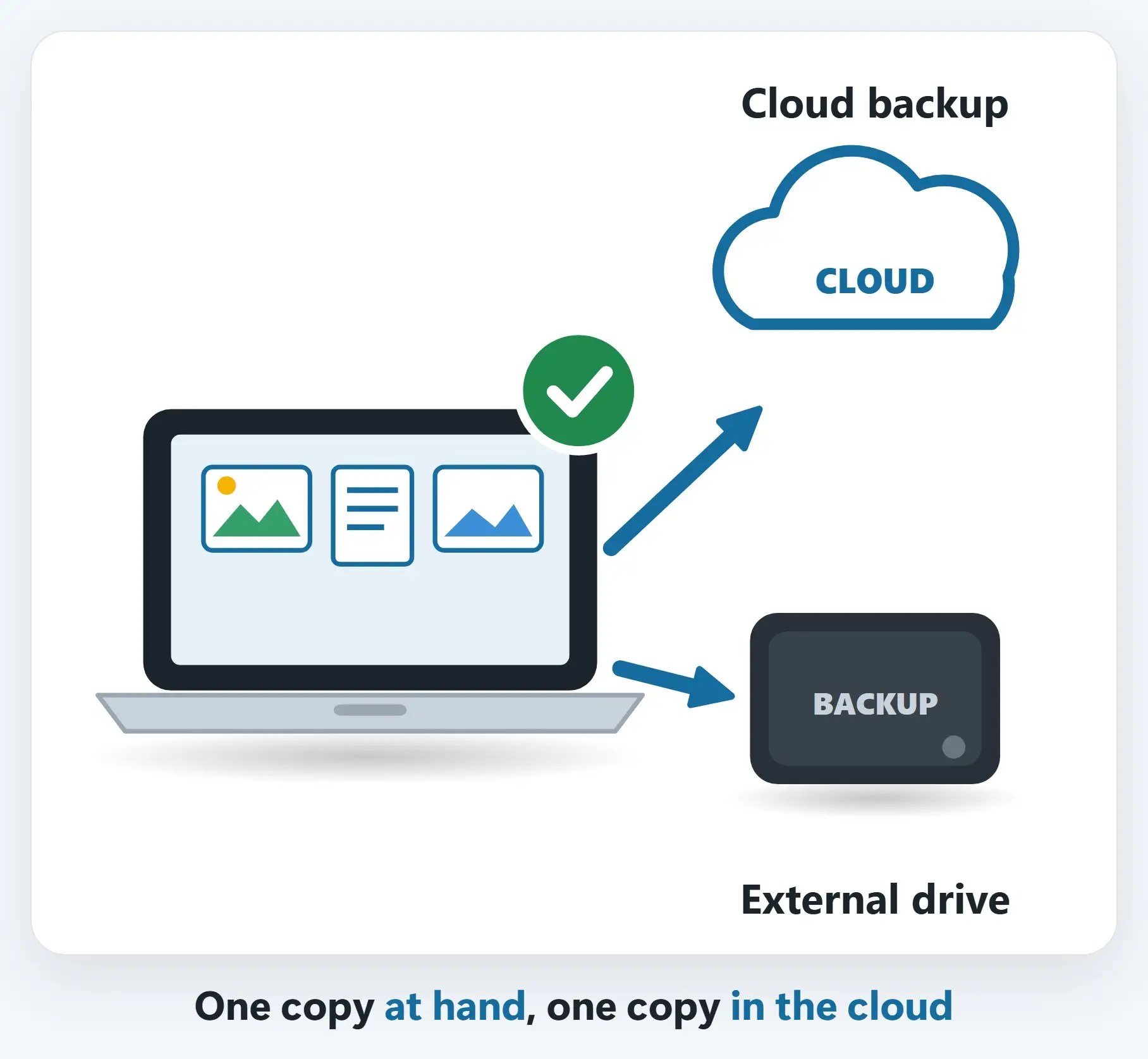
- Back up now — External drive + the cloud
- Photograph your gear — For insurance claims
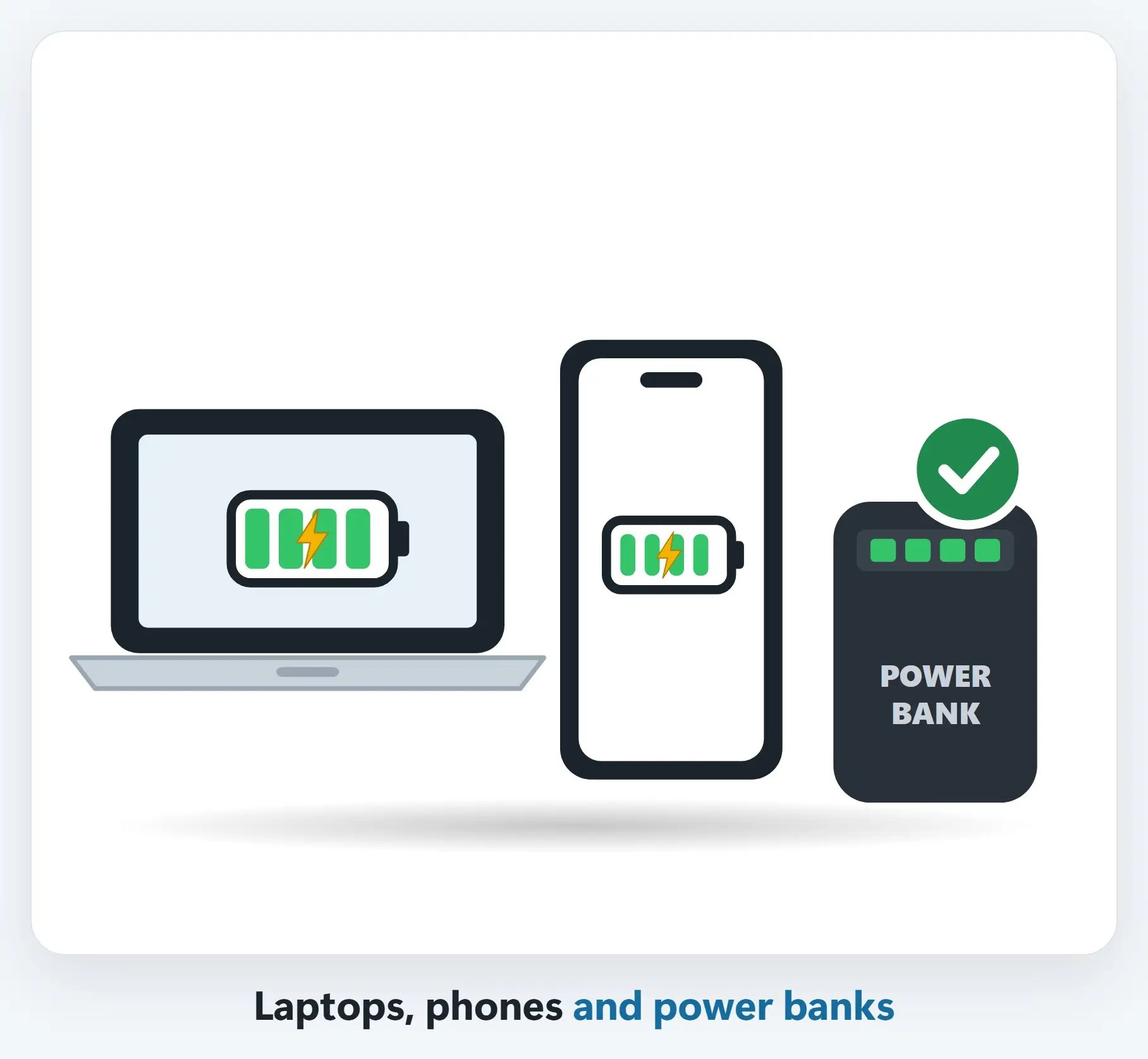
- Charge everything — Laptops, phones, power banks
- Protect the power — Surge protector or UPS
- Unplug & raise it up — Off the wall, off the floor
- Keep info handy — Numbers & documents, offline
Hurricane prep for your computers: step-by-step checklist
1Back up now: two copies, two places
Copy your photos and documents to an external drive, and to the cloud, such as OneDrive, iCloud or Carbonite.
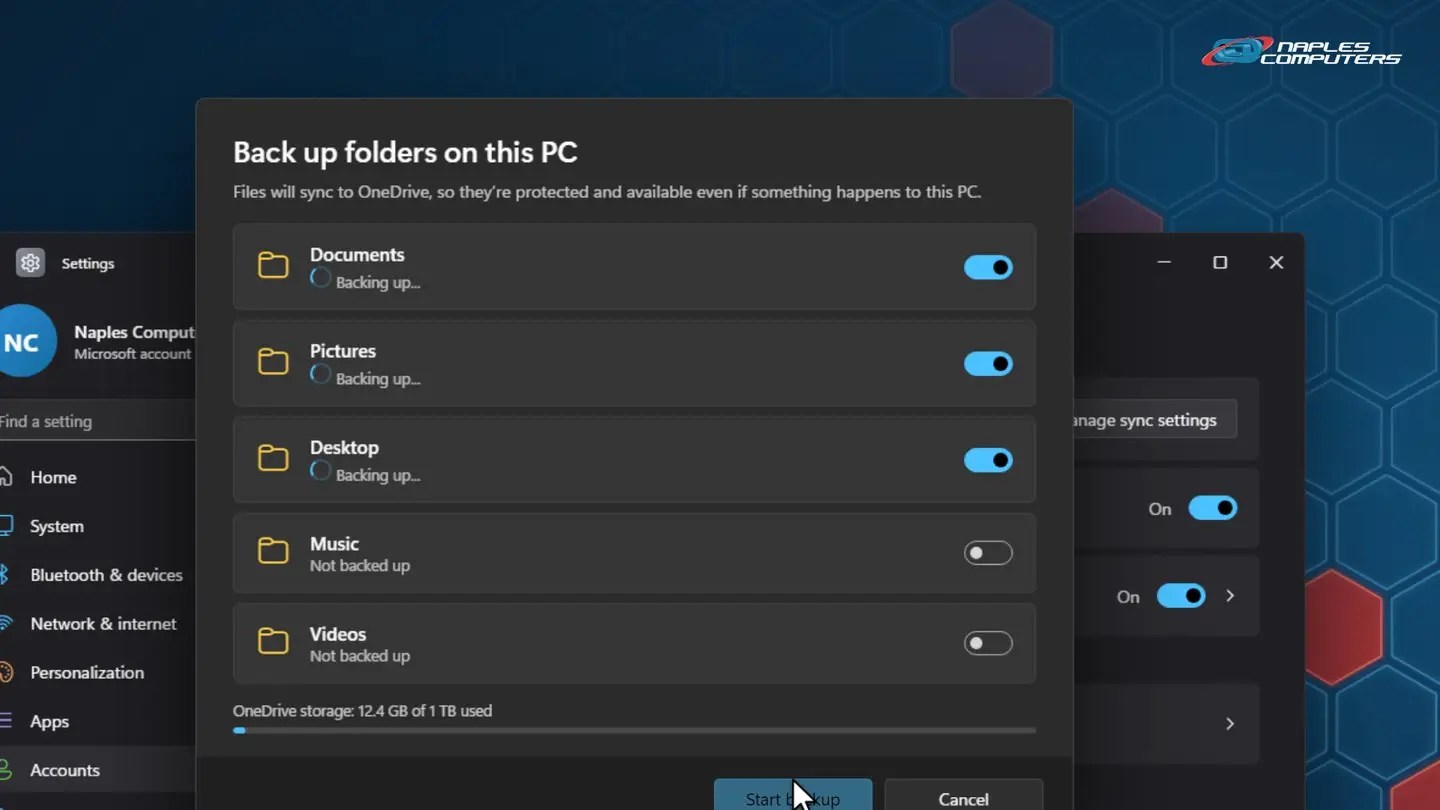
1aWindows 11: back up your folders to OneDrive
Start → Settings → Accounts → Windows backup. Next to OneDrive folder syncing, click Manage sync settings.
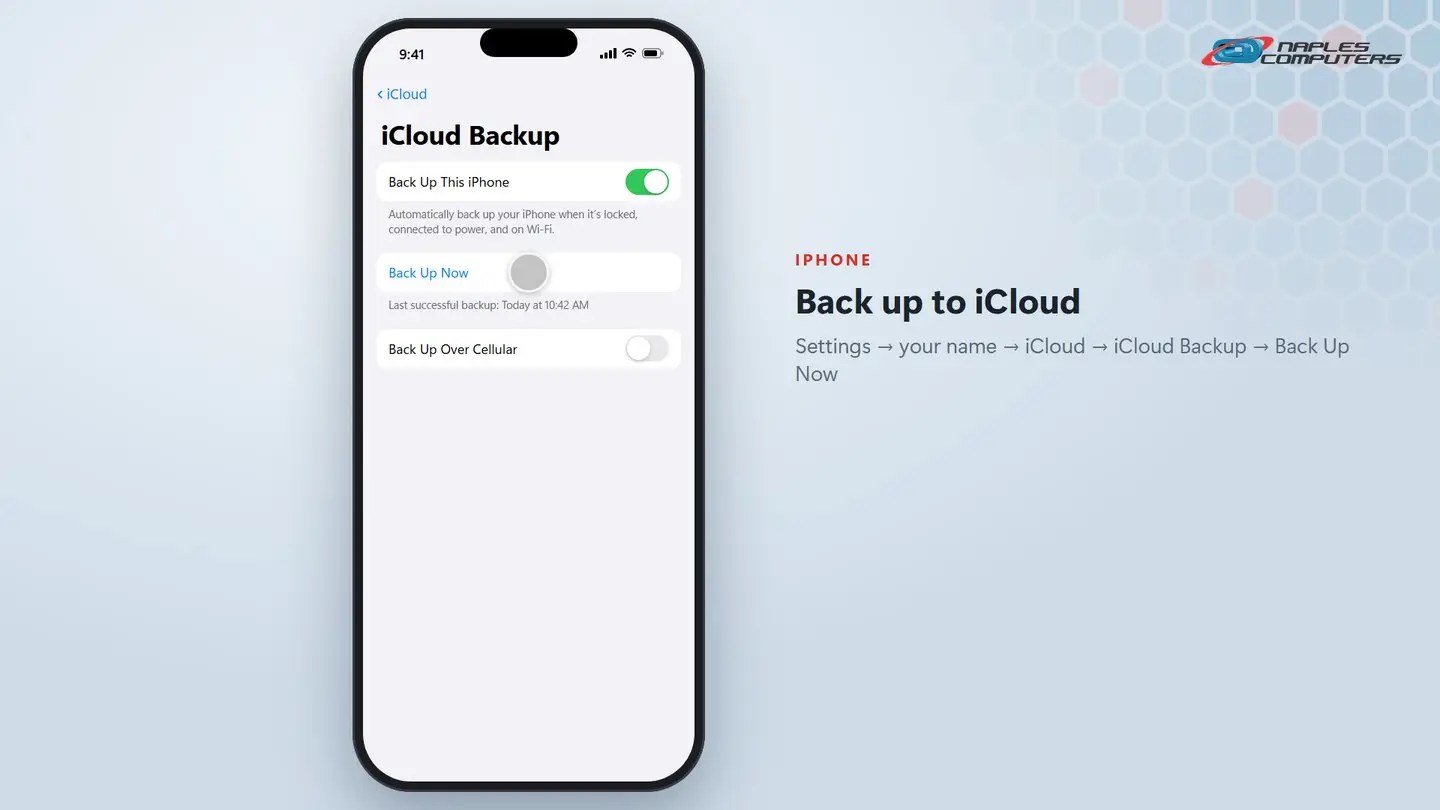
1biPhone: Settings → your name → iCloud → iCloud Backup
Make sure Back Up This iPhone is on, then tap Back Up Now.
2Take photos of your equipment
Walk through your home or office with your phone. Get each computer, TV and printer, plus the model and serial number labels.

3Charge everything
Fully charge laptops, phones, tablets and power banks while you still have power.
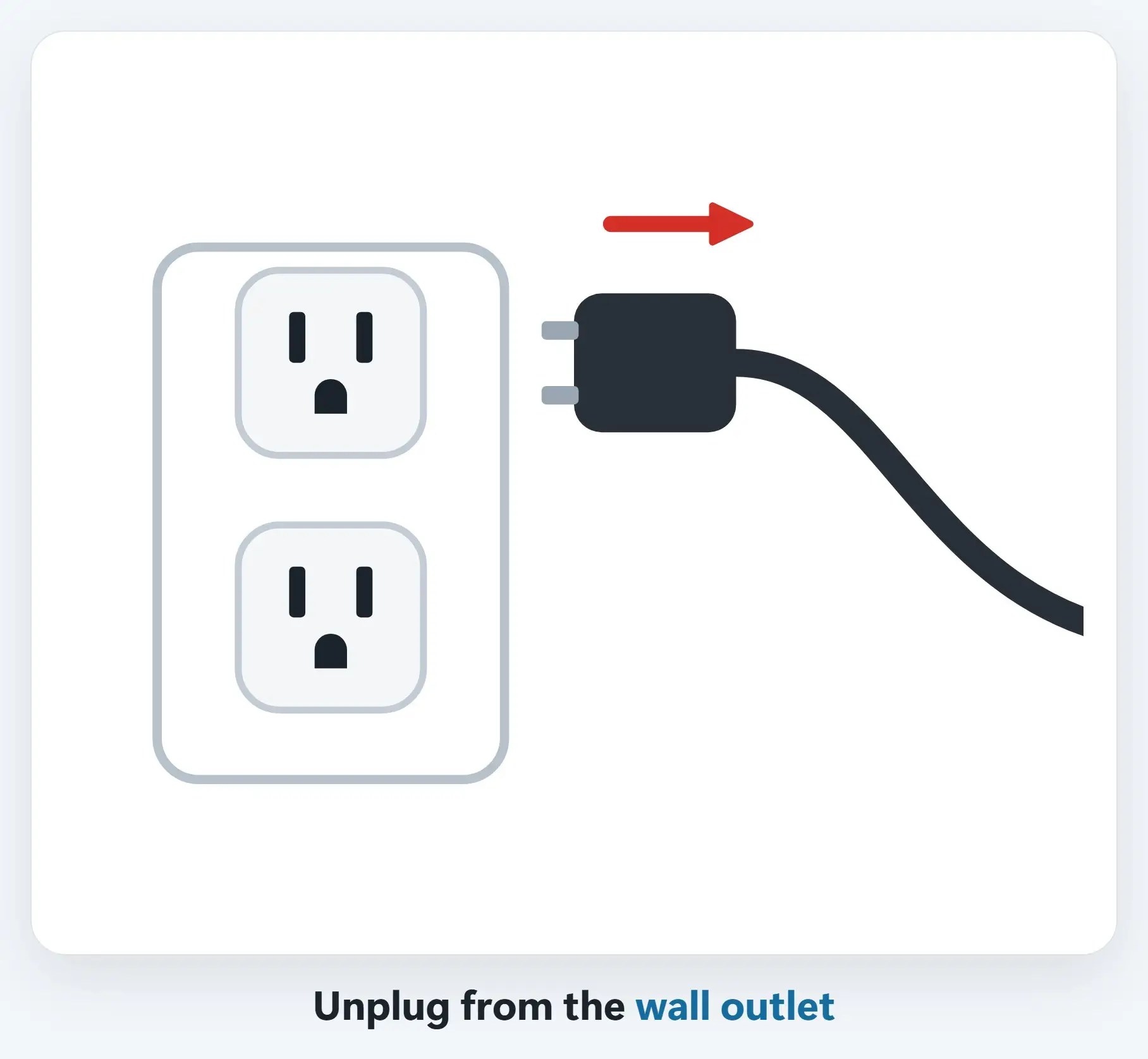
5Unplug before the storm
Unplug computers, TVs, printers and your modem and router from the wall. Power often comes back with surges and spikes.
6Raise equipment off the floor
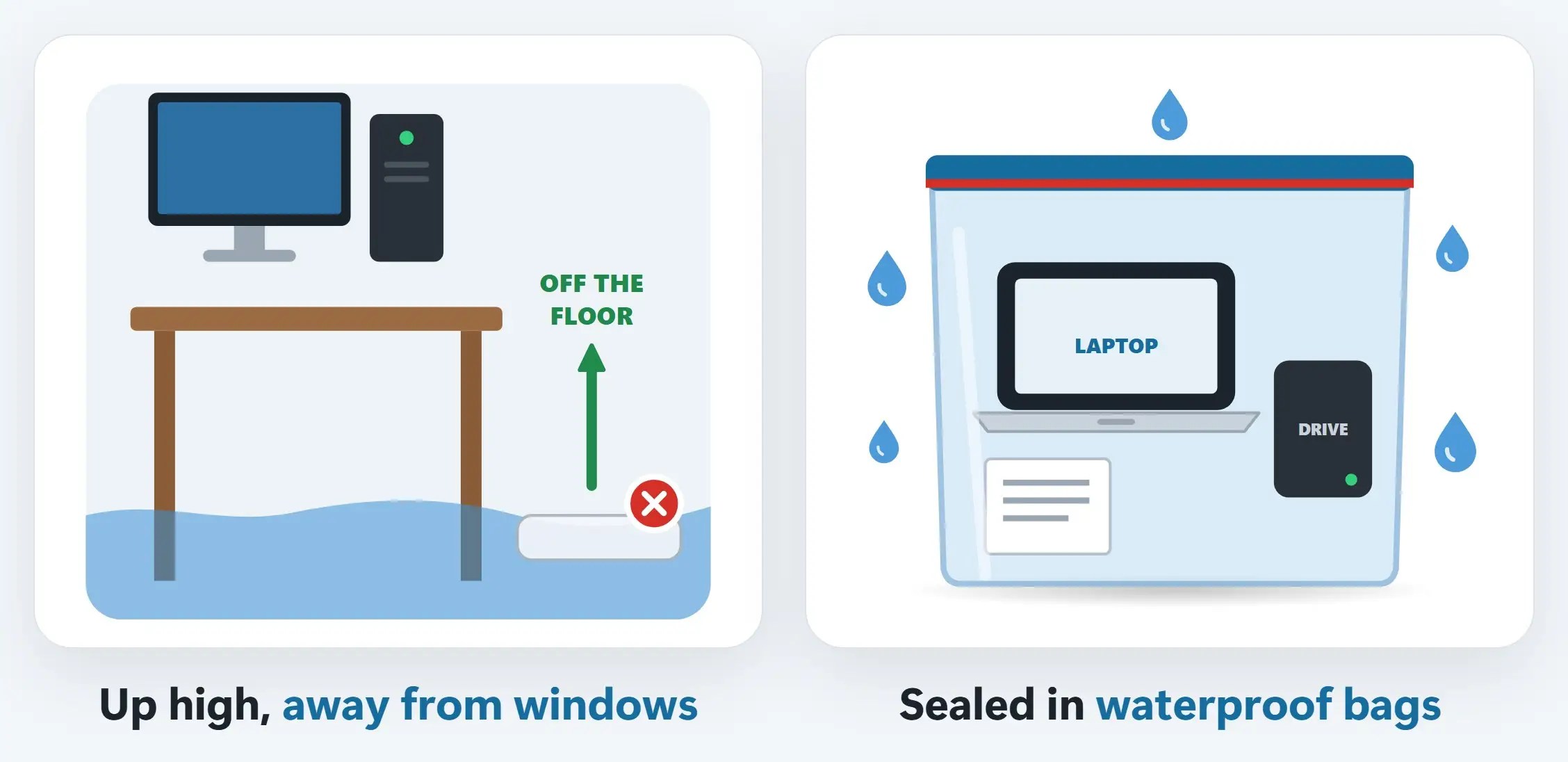
Move computers, drives and power strips onto a desk or shelf, away from windows. Cover them with plastic.
7Keep important numbers and documents handy
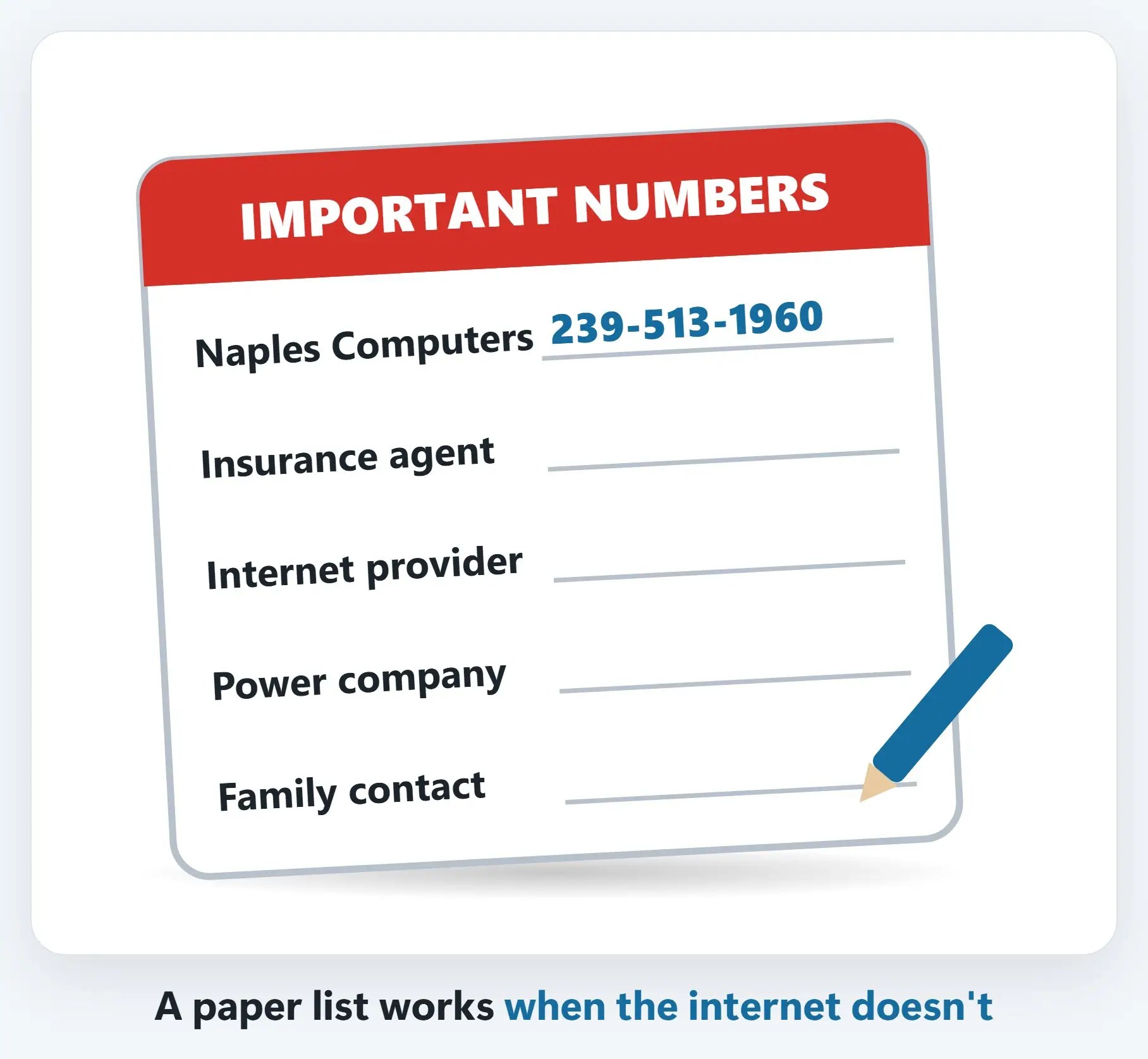
Write down key numbers: insurance, your internet provider’s outage line, the power company, family, and us. Save copies of IDs and policies in a secure, password-protected cloud account.
Surge protector vs. battery backup (UPS)
- Surge protector — Blocks power spikes. No battery: when the power goes out, so does your computer.
- Battery backup (UPS) — Surge protection plus a battery: minutes to save your work and shut down. We carry APC, Tripp Lite and CyberPower.
Home office or business? Make a plan
- Plan the server shutdown — Who shuts down what, in what order, and when
- Confirm offsite backups — A cloud copy you’ve actually tested restoring
- Decide who does what — Contact list, call tree, and a way to work remotely
- Know your recovery steps — How to power back up and check everything after
Recap: hurricane prep for your computers and tech
- Back up: external drive + cloud
- Photograph equipment & serial numbers
- Charge laptops, phones & power banks
- Surge protector or UPS; unplug before the storm
- Raise it up, bag it, keep numbers handy
- Businesses: a written shutdown & backup plan
Printable quick guide
Frequently asked questions
What’s the most important hurricane prep for your computers?
Back up first. Keep two copies in two places: one on an external drive and one in the cloud, such as OneDrive or iCloud. Keep the drive in a waterproof bag, or take it with you if you evacuate.
Should I unplug my computer before a hurricane?
Yes. Unplug computers, TVs, printers, and your modem and router from the wall before the storm arrives, because power often comes back with surges and spikes. Never touch anything electrical that’s wet.
Is a surge protector enough, or do I need a UPS?
A surge protector blocks power spikes but has no battery, so your computer goes off when the power does. A battery backup (UPS) adds a battery, giving you a few minutes to save your work and shut down safely. Neither replaces unplugging before a storm.
What if my computer gets wet in a storm?
Don’t turn it on. Unplug it, keep it off, and bring it in quickly. Our data recovery assessment is free, with no recovery, no charge.
Related guides
- After the storm: powering your tech back up safely
- Leaving for the summer? Your snowbird tech checklist
- Data recovery in Naples
Source: Hurricanes (Ready.gov)