
Back in Naples, Marco Island, Bonita Springs, Estero or Fort Myers for the season? After months away, your computers, Wi-Fi and smart home need a little attention, and this snowbird tech checklist covers it all: powering up in the right order, router and device updates (Windows 11 and iPhone shown step by step), backups, smart home devices, account security, printers and batteries.
Welcome back: your tech checklist
- Power up in order — Modem, router, then the rest
- Months of updates — Windows, Mac, phones & tablets
- Backups running? — Make sure they picked up again
- Smart home back online — Cameras, thermostat, sensors
- Check your accounts — Anything odd while you were away?
- Ink & batteries — Printers, UPS, smoke detectors
Step 1: power up in the right order
- Modem first — Wait for the Online light, usually a couple of minutes
- Then the router — Wait until the Wi-Fi comes up
- Then everything else — Computers, printers, TVs, smart devices
Your welcome-back snowbird tech checklist
2Reboot and update your router
Already plugged in all summer? Restart your modem and router anyway. Then open your router’s app or settings page and install any firmware updates.

3Windows 11: Settings → Windows Update → Check for updates
After months away there may be several updates waiting. Click Download & install all.

4iPhone and iPad: Settings → General → Software Update
Tap Update Now. Keep it plugged in and on Wi-Fi while it installs.

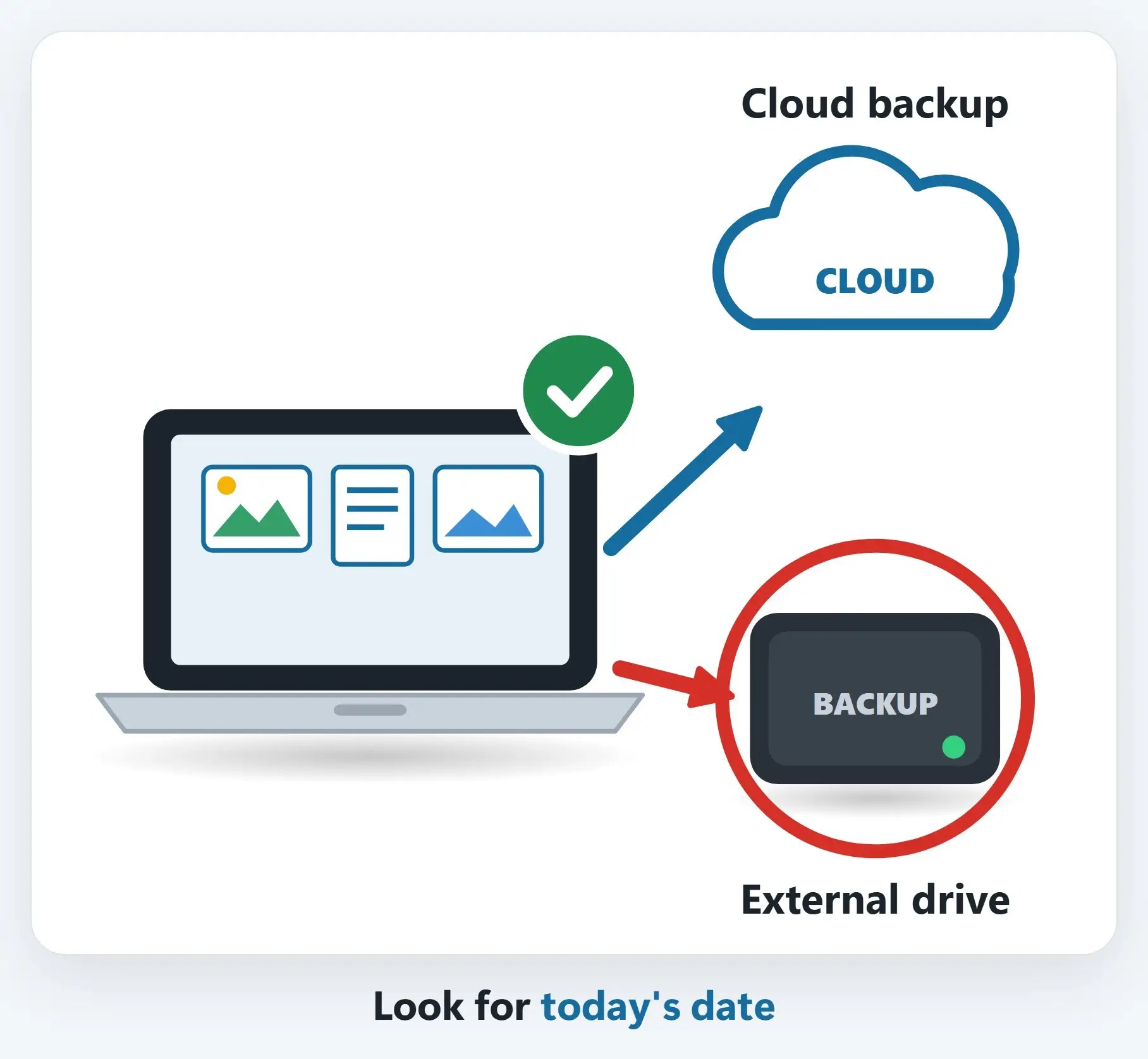
5Make sure your backups picked up again
Look for a recent date: the OneDrive icon, Time Machine’s “Latest backup”, Carbonite, or iCloud Backup’s “Last successful backup”.
6Get your smart home back online
Open each app: cameras, doorbell, thermostat and water sensors should all show Online. Update their firmware and check that camera recording plans are still active.

+Forgot your Wi-Fi password?
Grandkids visiting? Check the sticker on your router, or let a computer that’s already connected show you the saved password.

+Book a season-opening tune-up
We’ll install updates, check backups and security, and make sure your Wi-Fi, printer and smart home are working.

Don’t forget your other devices
- Mac — Apple menu → System Settings → General → Software Update
- Android phones & tablets — Settings → Software update (or System → System update)
- Smart TVs & streaming boxes — Check Settings → System or Support for updates
- Antivirus / security software — Make sure it’s still active and up to date
Step 7: check your accounts for anything odd
- Review bank & card statements — Look for charges you don’t recognize
- Check email for sign-in alerts — And for forwarding rules you didn’t set up
- Change important passwords — Especially any you used on hotel or public Wi-Fi
- Turn on two-factor sign-in — A code on your phone stops most account takeovers
Step 8: ink & batteries
- Printer ink dried out? — Run the printer’s head-cleaning, or replace the cartridges
- UPS beeping? — Battery backups usually need a new battery every 3 to 5 years
- Fresh batteries — Smoke detectors, cameras, sensors and remotes
Recap: your snowbird tech checklist for the season
- Modem, then router, then the rest
- Reboot & update the router
- Catch up on all device updates
- Confirm backups are running
- Smart home back online
- Check accounts, change passwords
Printable quick guide
Frequently asked questions
What should be on my snowbird tech checklist when I get back?
Start with the internet: modem first, then the router, then everything else. Then install updates on computers, phones and tablets, make sure your backups picked up again, get your smart home back online, and check your accounts for anything odd.
Why won’t my internet work after being away all summer?
Power up in order: modem first, then the router, then everything else, and restart them even if they stayed plugged in. Still can’t get online? Call your internet provider’s outage line first, then call us at 239-513-1960.
Why are my cameras offline now that I’m back?
Open each app and check that cameras, the doorbell, thermostat and sensors show Online. If you changed your Wi-Fi or router, each device needs to be reconnected to the new network. Also check that camera recording plans are still active.
Should I change my passwords after a season away?
It’s a good idea for important accounts, especially any you used on hotel or public Wi-Fi. Review bank and card statements, check email for sign-in alerts or forwarding rules you didn’t set up, and turn on two-factor sign-in.
Related guides
- Leaving for the summer? Your snowbird tech checklist
- How to find your Wi-Fi password
- Book a computer tune-up
Source: Install Windows Updates (Microsoft Support)