
If your business email uses your own domain, scammers can send email that looks like it’s from you, unless you’ve set up SPF, DKIM, and DMARC. This guide explains each one in plain English, and what to do if your domain gets spoofed anyway.
Why this matters
Without these, anyone can pretend to be your business.
SPF, DKIM, and DMARC, explained step by step
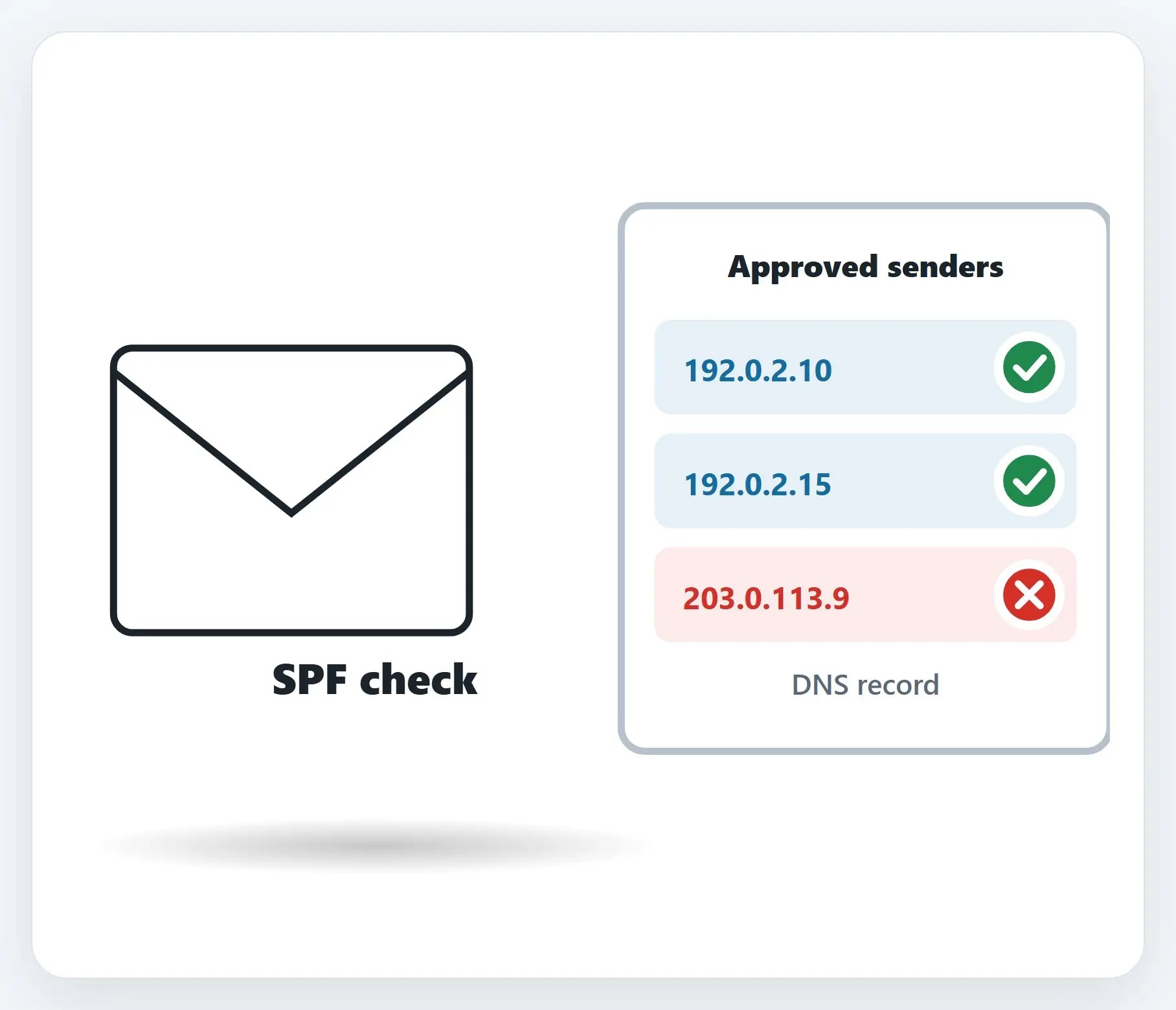
1SPF: who’s allowed to send
Sender Policy Framework. You list the specific mail servers allowed to send for your domain.
2DKIM: a digital signature
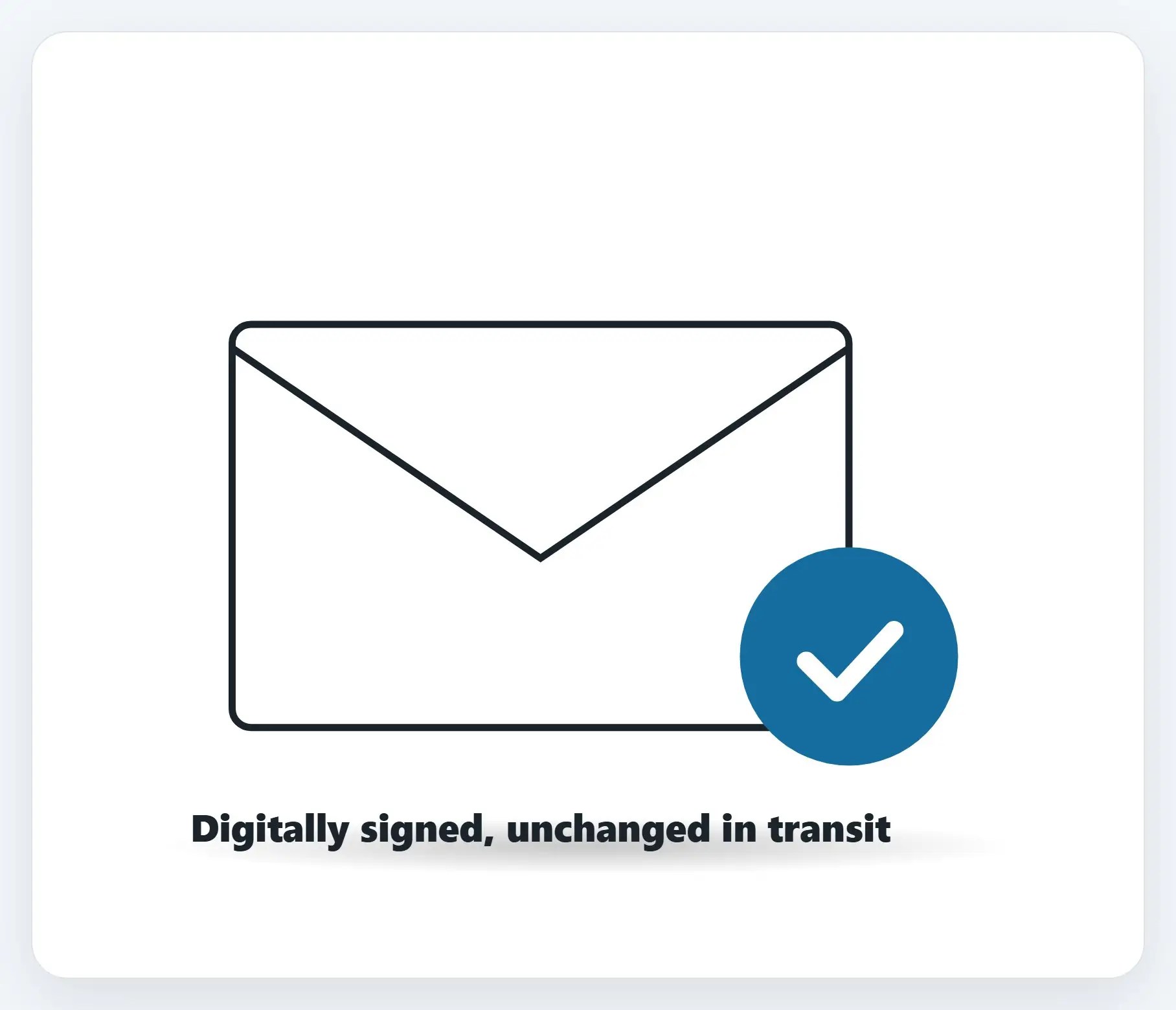
DomainKeys Identified Mail. It signs outgoing mail, so a receiving server can verify it’s genuine.
3DMARC: the policy
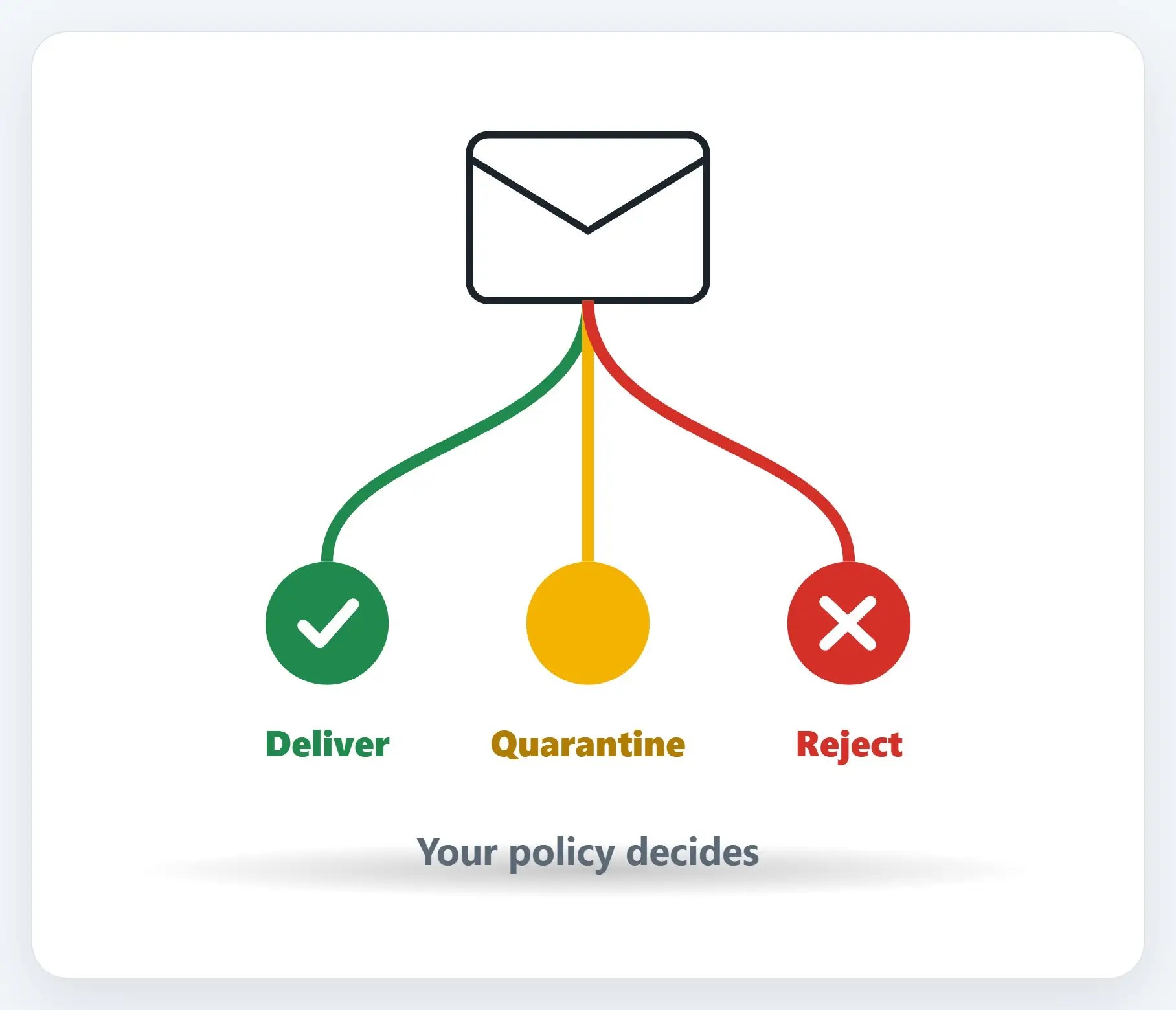
DMARC checks that SPF and DKIM match the “from” address you actually see, then enforces your rule.
★Not sure if yours is set up right?
We’ll check your domain, and set up SPF, DKIM, and DMARC correctly, without blocking your own mail.

Setting it up
- These are DNS records — Set up with your domain registrar or email host, not an app you click in
- It’s easy to misconfigure — Done wrong, it can block your own legitimate email
- Have your provider do it — If they won’t, or don’t offer it, that’s worth reconsidering
If your domain gets spoofed
- Report it — Local law enforcement, IC3.gov, and FTC.gov slash complaint
- Notify your customers — By mail, email, or social media, with no links, so it doesn’t look like another scam
- Alert your staff — Use it as a chance to review how your team spots a phishing attempt
Recap: SPF, DKIM, DMARC
- SPF: lists the mail servers allowed to send for your domain
- DKIM: a digital signature proving mail wasn’t altered in transit
- DMARC: your policy for what happens when something fails
- These are DNS records; have your provider set them up
- Not sure yours is set up right? Call Naples Computers
Printable quick guide
Frequently asked questions
What does SPF do for my business email?
SPF (Sender Policy Framework) lets you list the specific mail servers authorized to send email for your domain. When a receiving server gets a message claiming to be from your domain, it checks whether the sending server is on that approved list.
What does DKIM do?
DKIM (DomainKeys Identified Mail) adds a digital signature to your outgoing mail. Receiving servers use it to verify the message actually came from your company’s server and wasn’t altered along the way.
What does DMARC actually control?
DMARC checks that the address verified by SPF and DKIM matches the “from” address the recipient sees, and lets you set a policy for mail that fails those checks: deliver it anyway, quarantine it as spam, or reject it outright, with reports when it happens.
What should I do if my business domain gets spoofed?
Report it to local law enforcement, IC3.gov, and FTC.gov/complaint, and forward phishing emails to [email protected] and [email protected]. Notify your customers without including links, and use it as an opportunity to review phishing awareness with your staff.
Related guides
- Secure Your Home Router
- Check if Your Email Was in a Data Breach, and What to Do
- What to Do if Your Email Was Hacked
Source: Cybersecurity for small business: Email authentication (FTC)