
Hurricane season runs June through November, and this hurricane plan for office tech takes an afternoon to set up, once. It covers six things: tested off-site or cloud backups, a UPS for a graceful shutdown, unplugging equipment before you evacuate, photographing equipment for insurance, powering back up safely after the storm, and one call if something doesn’t come back right.
Hurricane plan for office tech: what to do before the storm
6Hurricane watch, and the backup hasn’t run in months?
A hurricane plan for office tech isn’t just unplugging things on your way out the door. Here’s the 6-point plan, before, during, and after the storm.

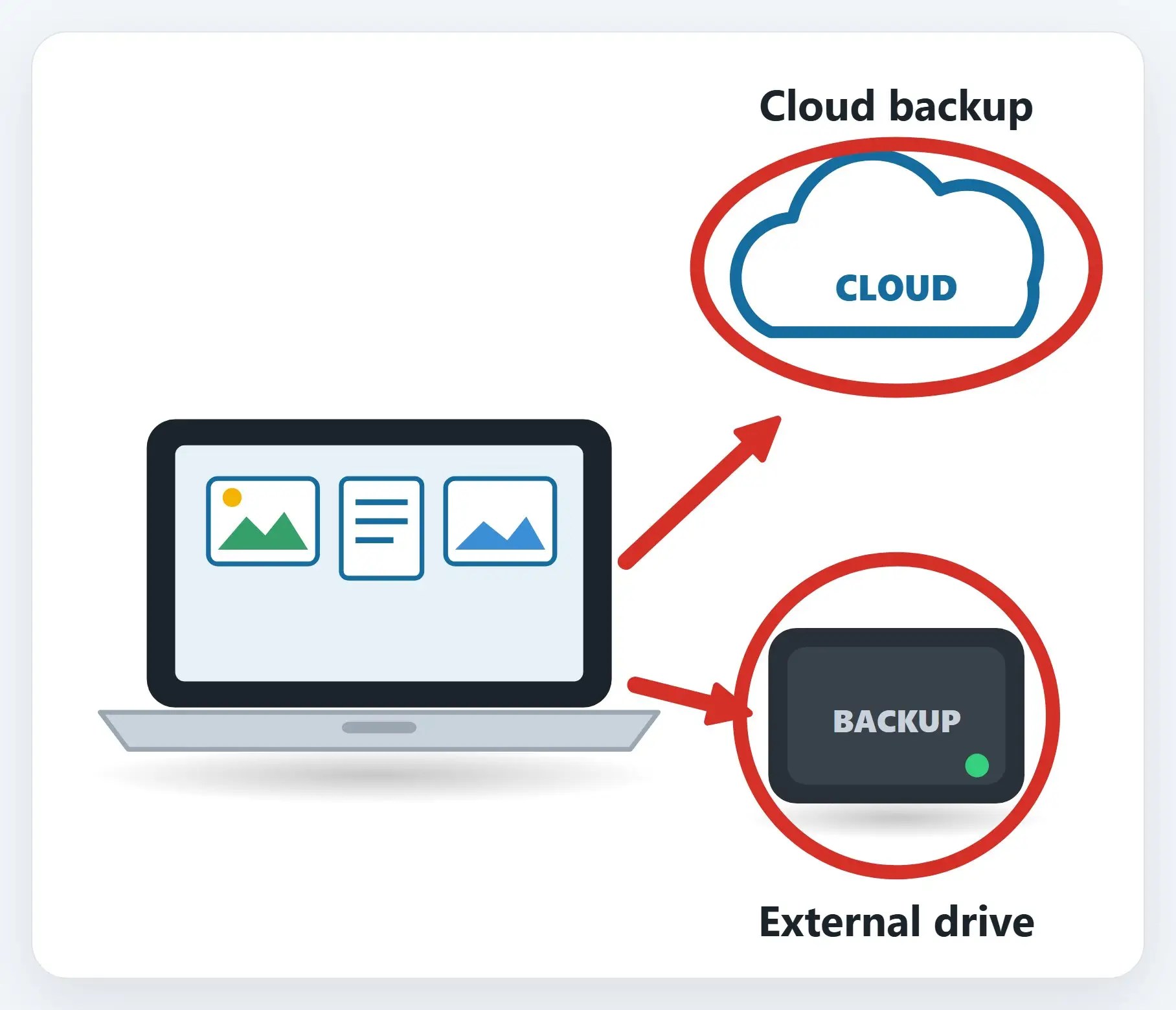
1Backups tested, off-site or cloud
A backup that only lives in the same building is one storm away from being useless.
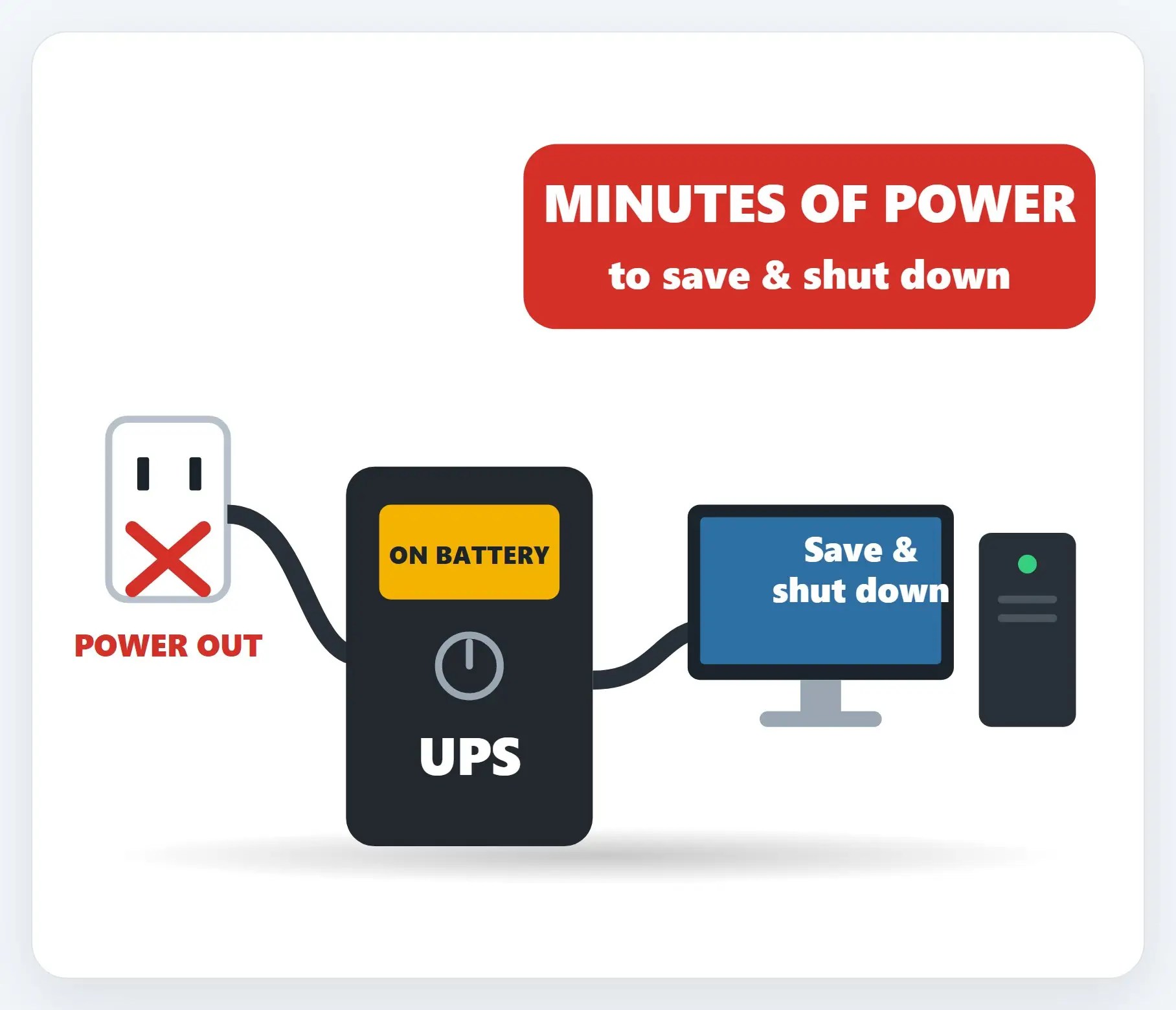
2A UPS for a graceful shutdown
When the power goes, equipment that’s mid-save doesn’t get a say in the matter.
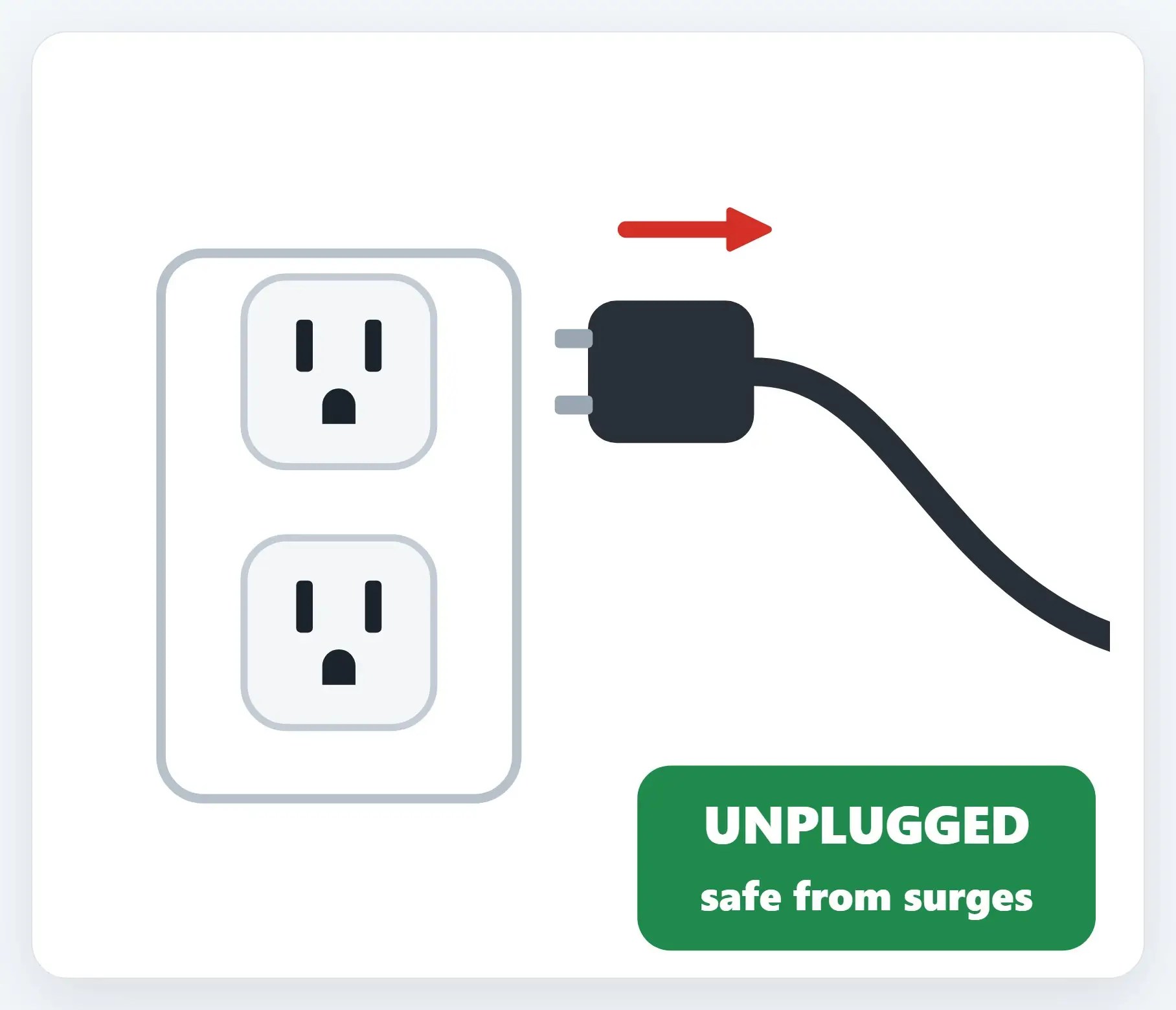
3Equipment unplugged before you evacuate
Power surges when the grid comes back on can damage whatever’s still plugged in.
4Equipment photographed, for insurance
Model numbers and serial numbers are hard to remember after equipment’s already damaged.

5Powered back up safely, after the storm
Flickering or unstable power right after a storm can do more damage than the storm itself.

6One call, if anything doesn’t come back right
A computer that won’t turn on, or a network that won’t connect, is worth a real diagnosis, not a guess.
The 6-point plan
- Backups tested, off-site or cloud — Not just a local copy that floods with the office
- A UPS for a graceful shutdown — Not an abrupt power loss mid-save
- Equipment unplugged before you evacuate — Safe from power surges when it comes back on
- Equipment photographed, for insurance — Model and serial numbers, before anything happens
- Powered back up safely, after the storm — Steady power first, then one device at a time
- One call, if anything doesn’t come back right — Not a guess, an actual diagnosis
Recap: the hurricane plan for office tech
- Backups tested, off-site or cloud
- A UPS for a graceful shutdown
- Equipment unplugged before you evacuate
- Equipment photographed, for insurance
- Powered back up safely, after the storm
- One call, if anything doesn’t come back right
Printable quick guide
Frequently asked questions
What should be on a hurricane plan for office tech?
Six things worth doing: test backups off-site or in the cloud, set up a UPS for a graceful shutdown, unplug equipment before you evacuate, photograph equipment for insurance, power back up safely once the storm passes, and know who to call if something doesn’t come back right.
Why unplug equipment instead of just turning it off before a hurricane?
Power surges when the grid comes back on can damage equipment that’s still plugged in, even if it’s turned off. Unplugging it removes that risk entirely.
How soon can I power equipment back on after a hurricane?
Wait for steady power rather than the first flicker, then bring equipment back up one device at a time instead of all at once.
Does Naples Computers help businesses prepare for hurricane season?
Yes. Naples Computers helps set up tested backups, UPS battery backups, and a safe power-up plan for offices ahead of hurricane season.
Related guides
- After the Storm: Powering Your Tech Back Up Safely
- Choose and Set Up a UPS Battery Backup
- Backups for Business: What Ransomware-Proof Really Means
Source: Ready Business (Ready.gov / FEMA)