
A QR code sticker on a parking meter or restaurant table might not be the real one. Scammers are covering real codes with fake ones that lead to a page built to steal your card or password, or even install malware. This guide shows the warning signs, and what to do if you already scanned one.
How the scam works
A sticker over the real code, leading somewhere it shouldn’t.
QR code scam warning signs, step by step
1Look for a sticker that’s stuck on top
Crooked, peeling at a corner, or a different finish than the sign around it.

2Same trick, at a restaurant table
A fake “scan for menu” sticker can lead to a page asking for your card, instead of just the menu.

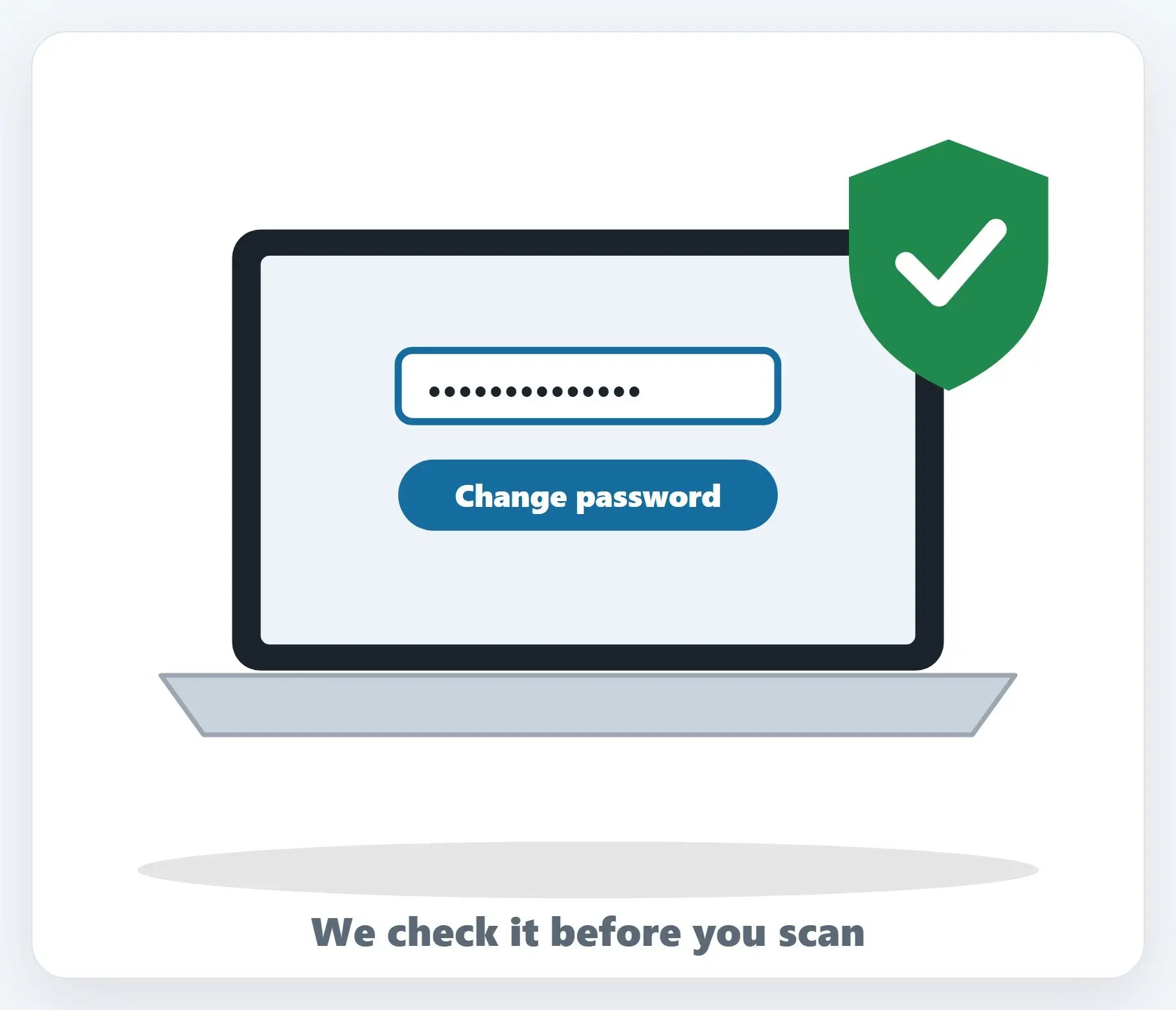
★Not sure if a QR code is safe?
Send us a photo of it before you scan, and we’ll help you check.
Warning sign 2: check before you tap
- Look at the web address first — Your phone shows a preview before opening it — read it carefully
- Misspellings or extra words — Like “parking-paay” or a “.net” instead of the city or app’s real domain
- A text or email you didn’t expect — Never scan a code from an unexpected message, even one that looks official
3 rules to remember
- Look before you scan — A crooked or peeling sticker is a red flag
- Read the address preview — Don’t open a link that looks even slightly off
- Use the official app or pay-by-phone number instead — Most parking apps and garages list one right on the sign
Already scanned one? Act fast.
- Entered a password or card number? — Change that password everywhere you used it, and call your card company
- Just opened the page, entered nothing? — Close it, and keep an eye on your accounts for anything odd
- Worried about malware? — Run a security scan, or bring it to us and we’ll check it
Recap: QR code scams
- A sticker over the real code is the trick
- Look for crooked, peeling, or mismatched stickers
- Check the web address preview before opening it
- Never scan a code from an unexpected text or email
- Scanned a bad one? Change passwords, check statements, report it
Printable quick guide
Frequently asked questions
How do scammers use QR codes to steal information?
They place a sticker with their own QR code over a legitimate one, often at parking meters or restaurant tables. Scanning it leads to a fake payment or login page built to collect your card number or password, or in some cases to install malware.
How can I tell if a QR code sticker is fake?
Look for a sticker that seems stuck on top of the original, especially if it’s crooked, peeling, or printed on different material than the sign around it. Before opening any link, read the web address preview your phone shows and watch for misspellings or an unfamiliar domain.
Is it safe to scan a QR code from a text or email?
Treat it as suspicious by default, especially if you weren’t expecting it. Scammers send QR codes by text or email with a made-up reason, like a failed delivery, to get you to scan and enter information.
What should I do if I already scanned a bad QR code?
If you entered a password or card number, change that password everywhere you used it and contact your card company. Check your bank and card statements for unfamiliar charges, and report it at ReportFraud.ftc.gov.
Related guides
Source: Scammers hide harmful links in QR codes to steal your information (FTC)