
Houseguests, tenants, and vacation-rental guests all need Wi-Fi, but they don’t need your real password. This guide covers why a separate guest network matters, how to set one up, and how to keep it secure between guests.
Why a separate guest network
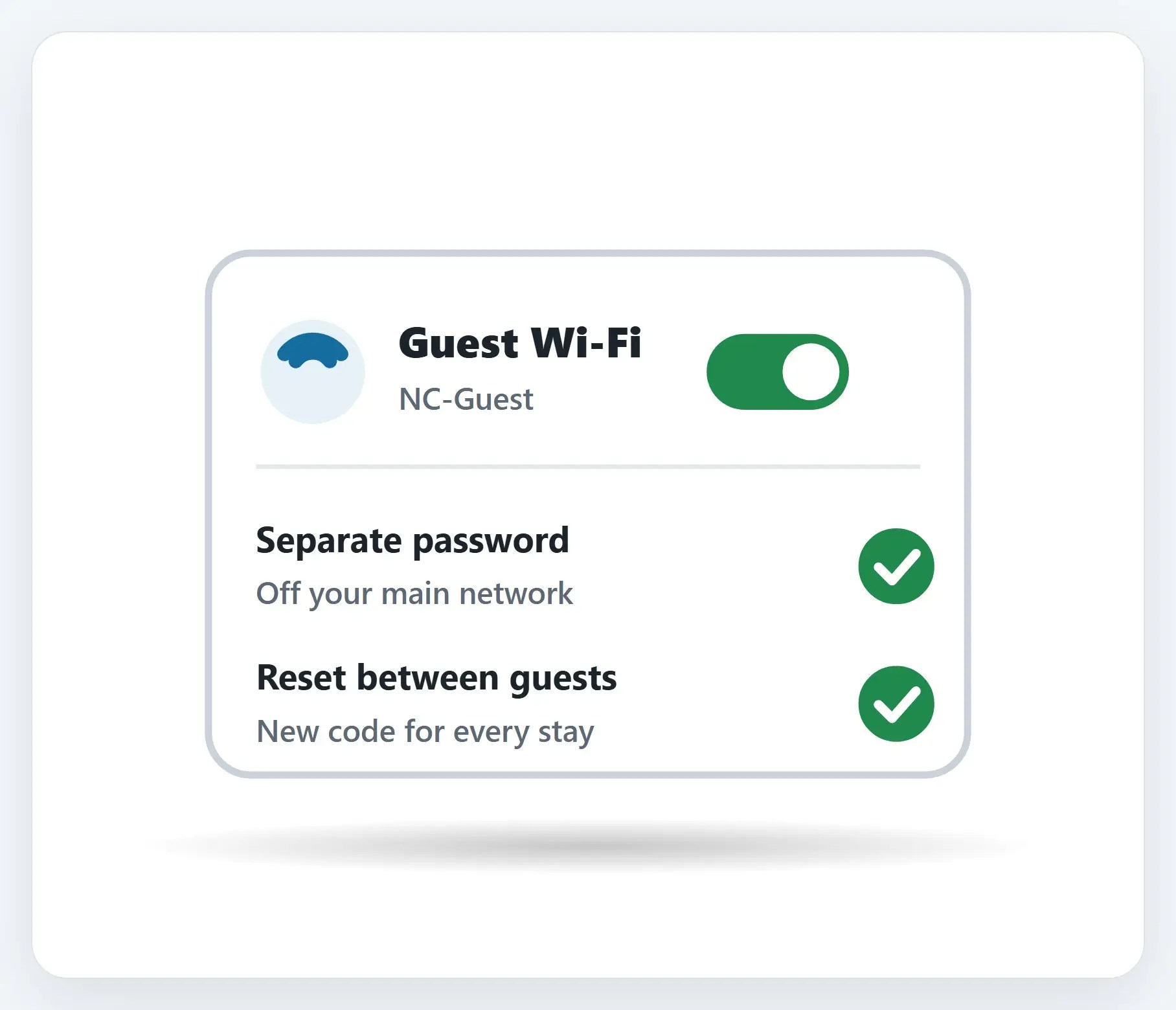
Easy for them, invisible to your real network.
How to set up a guest Wi-Fi network, step by step
✓Most routers already have this
Mesh systems like TP-Link Deco, EnGenius, and Ubiquiti make it a simple toggle in the app.
↻Make it easy, and reset it
A QR code makes joining effortless, no typing a password. Change that password after every stay.

★Setting up a rental property?
We’ll set up your guest network, and the whole system, so it’s ready for every new guest.

A few ground rules
- WPA2 or better encryption — Never leave the guest network open, with no password at all
- Share the password only when it’s time — For a rental, after the booking is confirmed; for a visit, when they arrive
- Mention it’s for lawful use only — A simple note protects you if it’s ever questioned
A couple more things
- Keep the router out of reach — A locked closet or high shelf, not sitting out where a guest can reset it
- Smart devices go on the guest side, too — Cameras, locks, and speakers, if they only need internet access
- Keep the firmware updated — Same router, same rule, whether it’s for you or for guests
Recap: guest Wi-Fi network
- A separate guest network keeps visitors off your real one
- Most mesh systems make it a simple toggle in the app
- WPA2 or better, and share the password only when it’s time
- Keep the router out of reach, and the firmware updated
- Setting up a rental? Call Naples Computers
Printable quick guide
Frequently asked questions
Why shouldn’t I just share my main Wi-Fi password with guests?
A guest on your main network can potentially see your other devices, files, and smart-home gear. A separate guest network keeps visitors isolated, and if their activity is ever questioned, it isn’t tied to the same network as your own devices.
How do I set up a guest network?
Most modern routers, including mesh systems like TP-Link Deco, EnGenius, and Ubiquiti, have a guest network built in as a toggle in their app or settings page. Turn it on and give it its own name and password, separate from your main Wi-Fi.
Should I change the guest Wi-Fi password between guests?
Yes, especially for a vacation rental. Airbnb’s own hosting guidance recommends sharing the guest network password only after a booking is confirmed, and changing it regularly so each guest has a genuinely separate network.
Should smart-home devices go on the guest network?
Often yes. If a smart device, like a camera, lock, or speaker, only needs internet access and doesn’t need to talk to your other devices, putting it on the guest network keeps a vulnerability in that device from reaching your main network.
Related guides
- Secure Your Home Router
- Choose and Set Up a UPS Battery Backup
- Hurricane-Recovery Contractor and FEMA-Impostor Scams
Source: Offering internet access to guests (Airbnb Help Center)