
Microsoft 365 and Google Workspace are both real, actively supported business-grade platforms from large companies, and plenty of small offices run well on either one. The question worth asking isn’t which platform is better in general; it’s which one fits how your office already works. This guide walks through the signs that usually point toward Microsoft 365 for small offices, the signs that point toward Google Workspace instead, and what the migration itself looks like either way.
Signs that point toward each platform
?Microsoft 365 or Google Workspace?
Both are solid, well-built platforms. The right one depends on how your office already works.
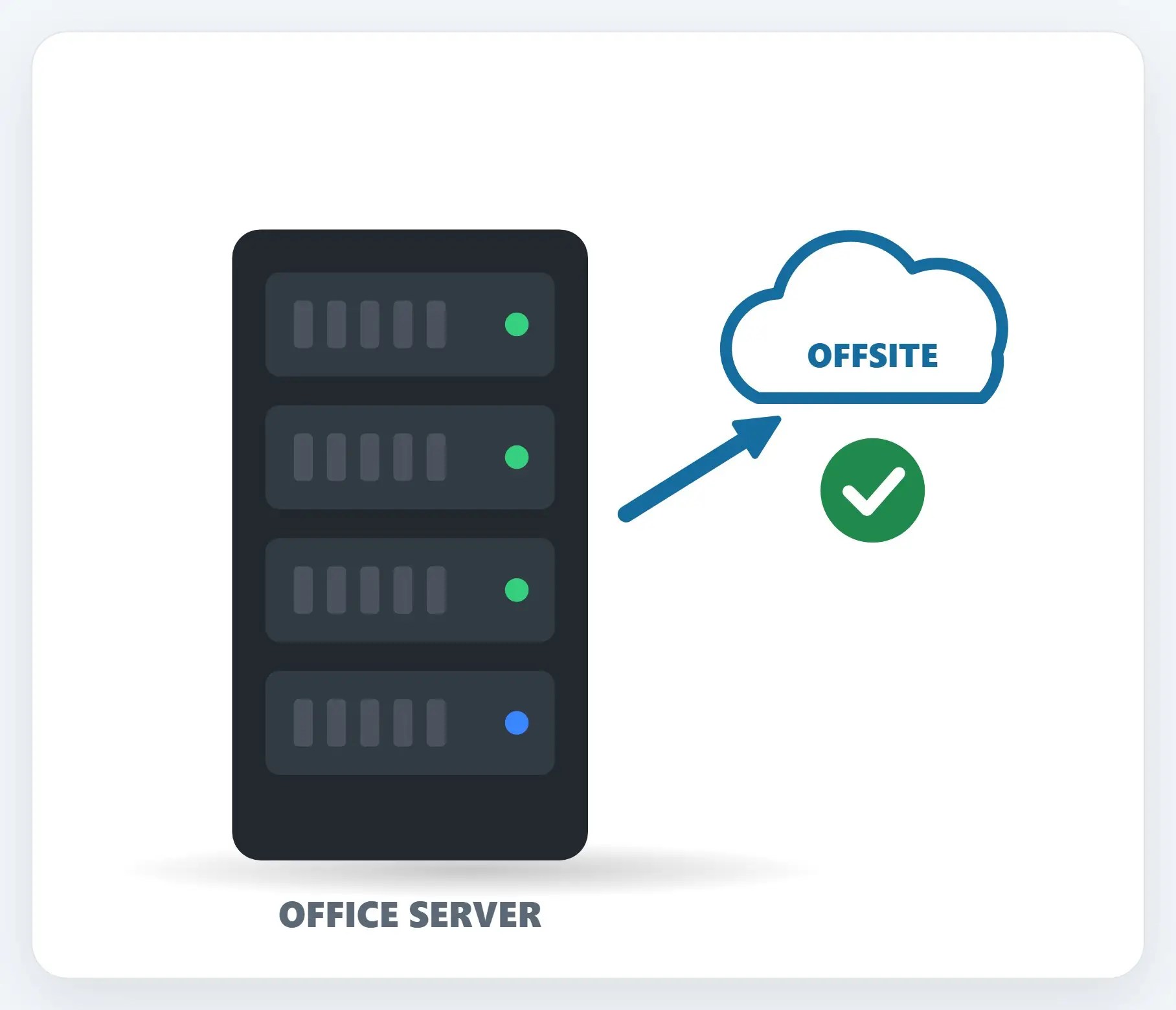
1Your office already runs Windows and Office apps
If your team already lives in Outlook, Word and Excel on Windows PCs, Microsoft 365 keeps everything connected the way it already works.
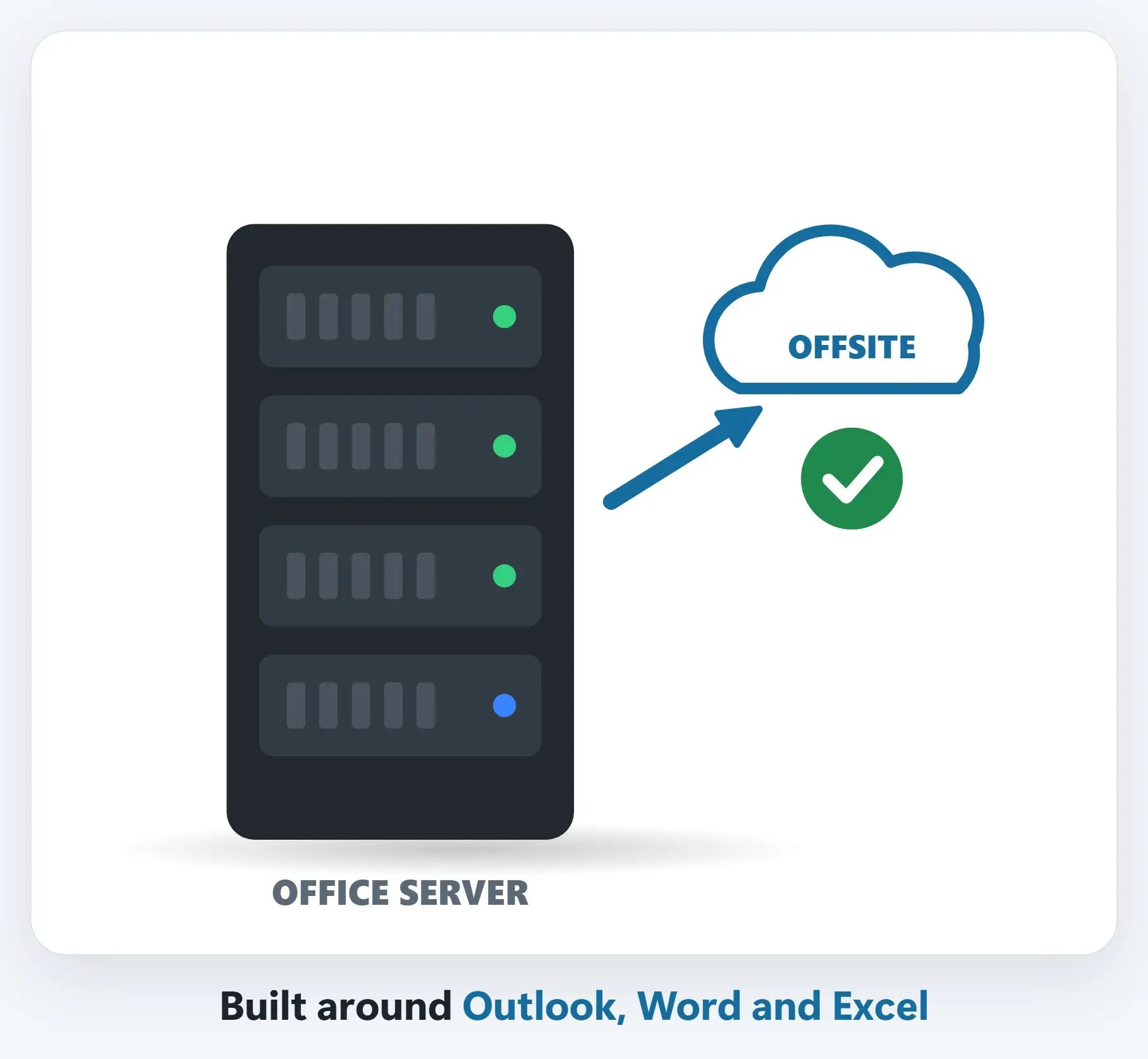
2You need business-grade admin control
A central admin center for managing users, enforcing multi-factor authentication, and applying compliance settings across the whole company.
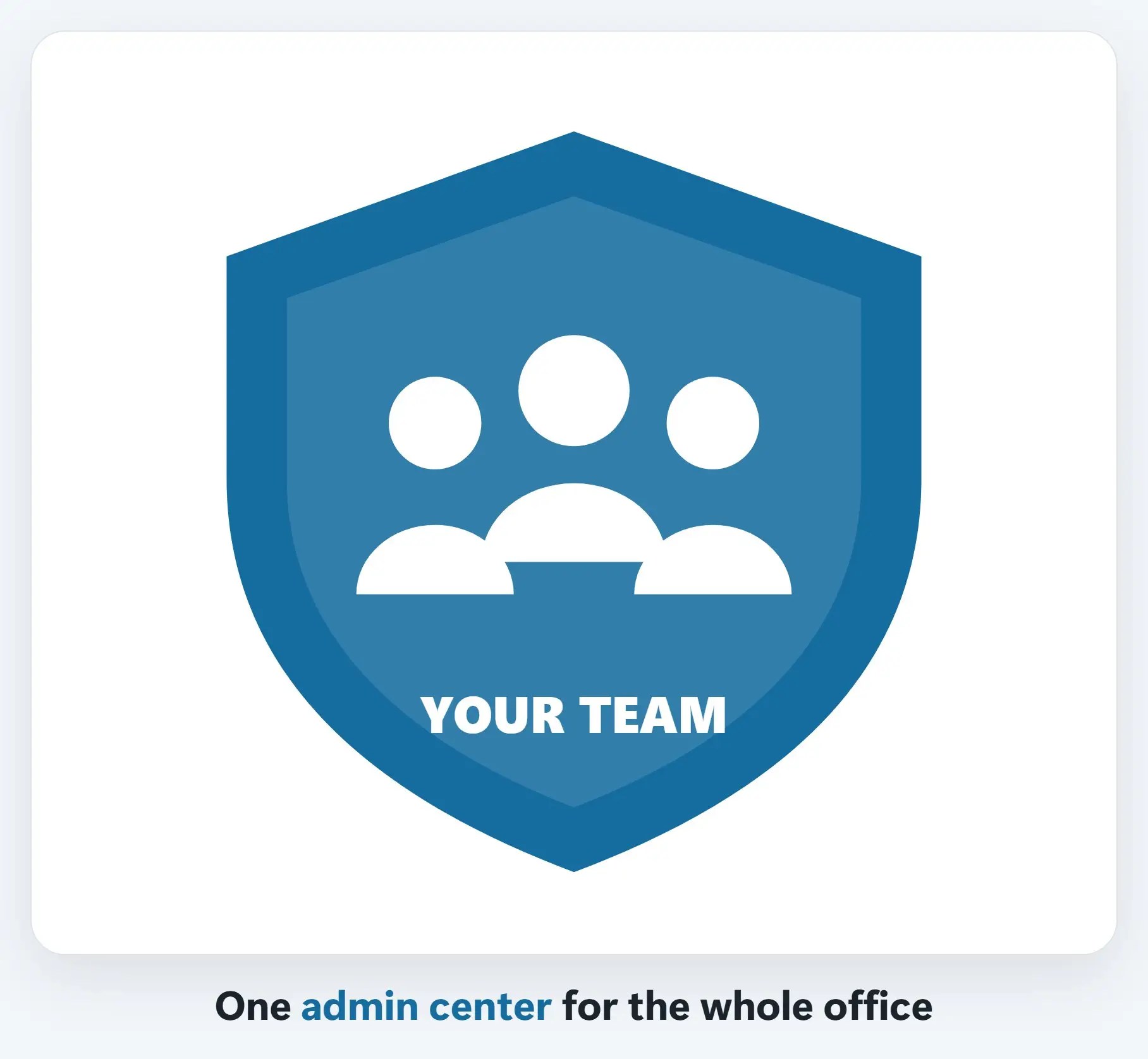
3When Google Workspace fits better
If your team already lives in Gmail, Google Docs and Chromebooks, and wants simple real-time collaboration, Google Workspace is a strong, legitimate fit too.
A few things to weigh
- Think about habits, not just features — The platform your team already knows how to use well is usually the right starting point
- Either platform migrates without downtime — Mailboxes and files move over while everyone keeps working, with MX records held until the switch
- A Microsoft Partner can help either way — Naples Computers is a Microsoft Partner and supports both platforms day to day
Recap: Microsoft 365 or Google Workspace?
- Neither platform is better in general; the fit is what matters
- Already on Windows and Office apps? Microsoft 365 usually fits best
- Already set up in Gmail or Docs? Google Workspace can be the right call
- Naples Computers supports and migrates to either platform
Printable quick guide
Frequently asked questions
Is Microsoft 365 better than Google Workspace?
Neither platform is better in general; both are actively supported, business-grade tools. The better choice depends on what software your team already uses day to day and how your office already works.
When does Microsoft 365 usually fit a small office best?
When the team already runs Windows PCs and uses Outlook, Word and Excel. Microsoft 365 keeps desktop Office apps, Outlook, and Windows sign-in connected the way they already work, and adds a central admin center for managing users and multi-factor authentication.
When does Google Workspace fit better?
When the team already lives in Gmail, Google Docs and Chromebooks, and wants simple, real-time document collaboration. Google Workspace is a strong, legitimate fit for offices built around those habits.
Does switching platforms mean downtime for the office?
No. A migration can be done with MX records held until everything is built and synced, so email keeps working on the old system right up until the planned cutover, then picks up on the new one.
Does Naples Computers only support Microsoft 365?
No. Naples Computers is a Microsoft Partner and has done hundreds of migrations of all types, but also sets up and supports Google Workspace for offices where that’s the better fit.
Related guides
- Is your office still on an old Exchange server?
- What a Microsoft 365 migration looks like (zero downtime)
- Microsoft 365 basics: OneDrive, SharePoint and Teams
Source: Microsoft 365 for business (Microsoft)