
Leaving for the summer and heading north? Your Southwest Florida home will sit through heat, humidity and hurricane season without you. This checklist covers what to unplug and what to leave on, battery backup for your internet, your smart thermostat, cameras and water-leak sensors, remote access, account alerts, backups, and who to call if something goes wrong.
What to leave on, what to unplug
- Modem & router — Your cameras, thermostat and sensors need the internet
- Smart thermostat — So you can check and adjust it from your phone
- Cameras & water-leak sensors — Your eyes and ears while you’re gone
- Computers & monitors — Unplug from the wall, not just the power strip
- TVs, sound bars & game consoles — Nothing to gain by leaving them plugged in
- Printers & chargers — Fewer things to be hit by a power surge
Leaving for the summer: your before-you-leave checklist
2Put your internet on a battery backup
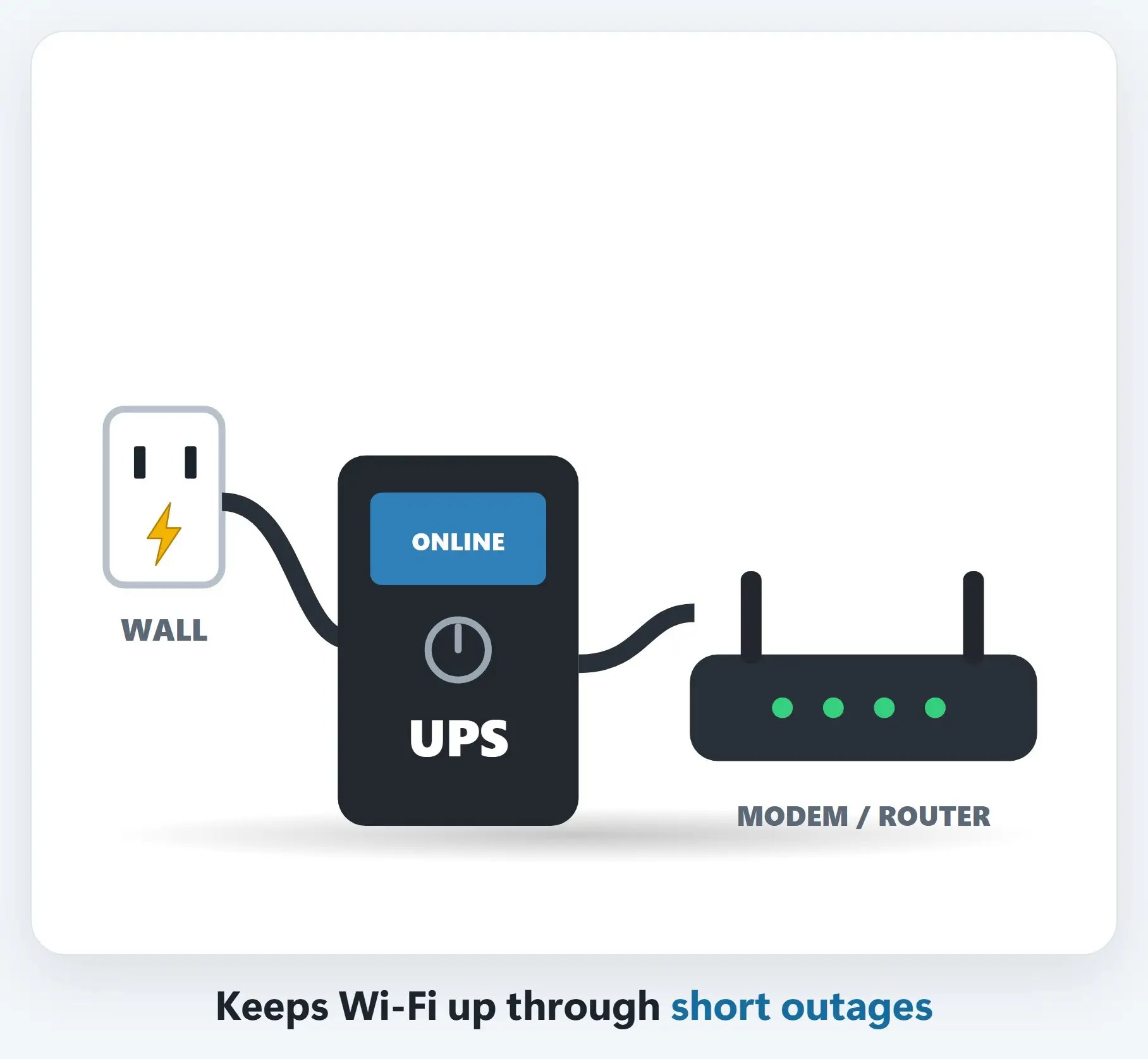
Plug the modem and router (and any camera hub) into a UPS battery backup, so brief outages don’t knock them offline.
3Set the thermostat, then check it from your phone
Florida summers are humid. The EPA recommends keeping indoor humidity below 60% to help prevent mold.

4Test cameras and leak sensors from away
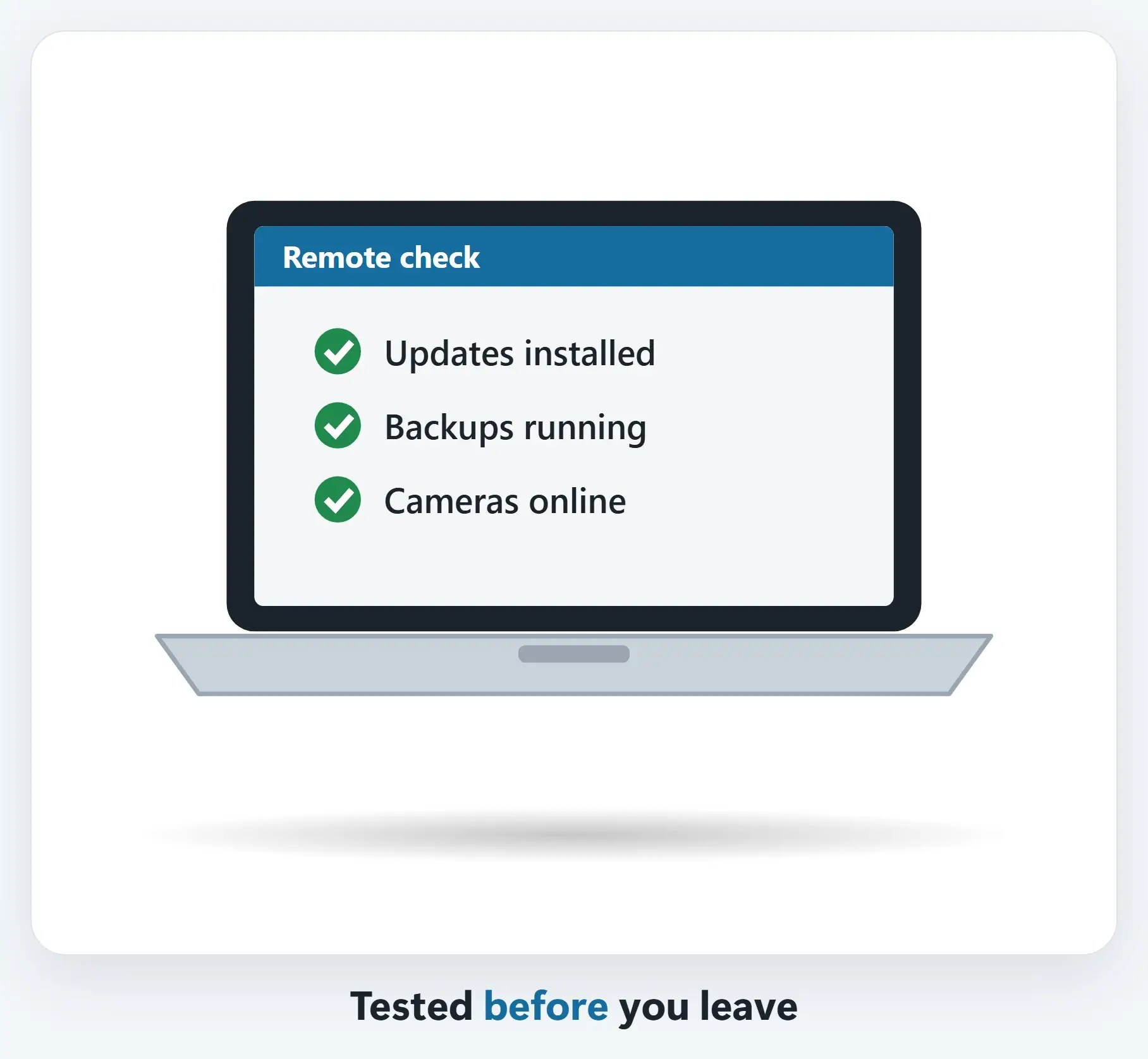
Turn off Wi-Fi on your phone and open the camera app over cellular: that’s how it will work up north. Put leak sensors by the water heater, washer, sinks and A/C air handler.

5Set up remote access before you go
Need files from your home computer while you’re away? Have remote access set up and tested before you leave.
7Back up before you leave
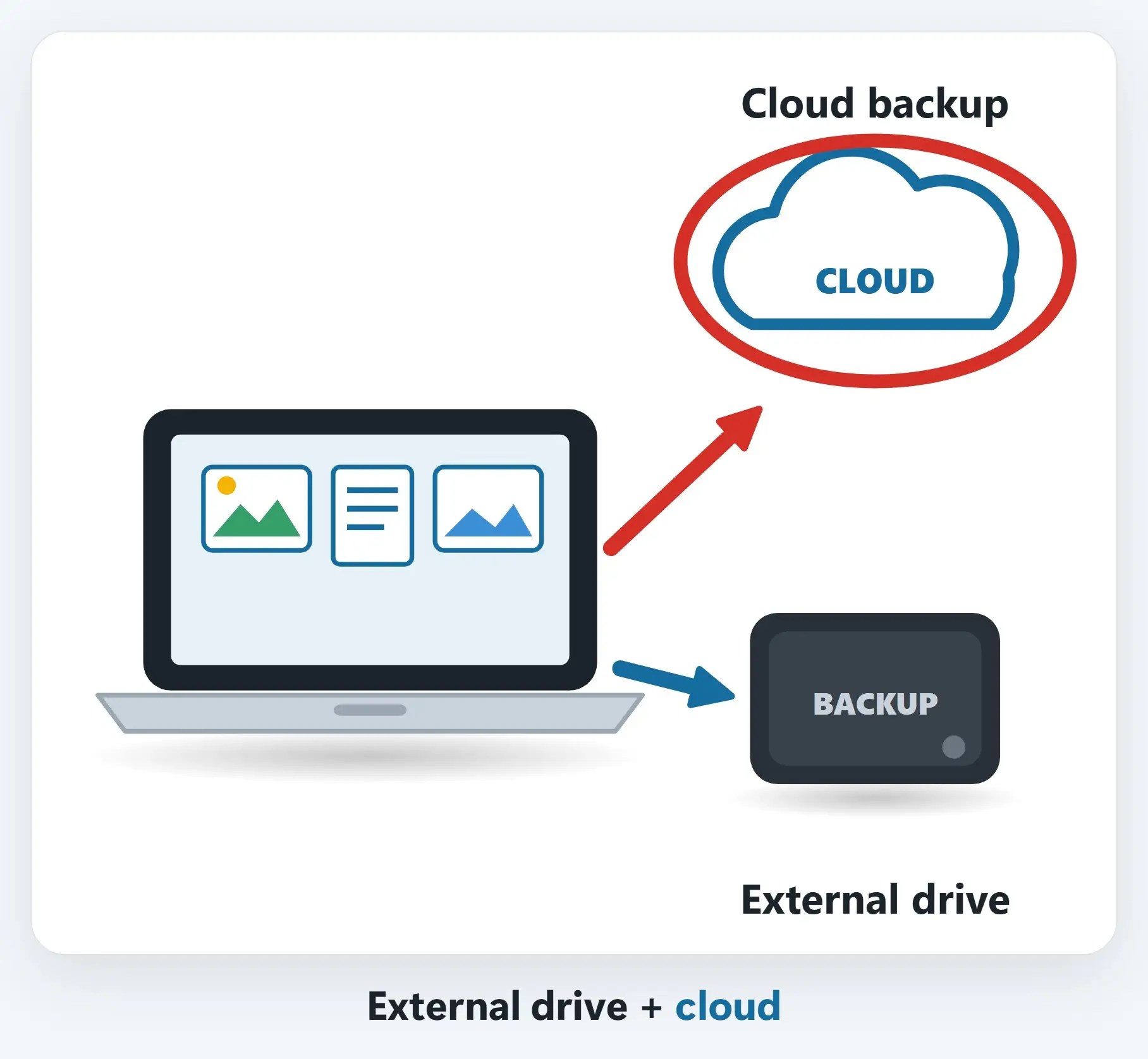
Run a fresh backup to your external drive and make sure your cloud backup is working.
!You’ll be gone during hurricane season
Hurricane season runs June 1 to November 30. Unplug what you can, and raise computers and power strips off the floor.

8Leave a key with someone you trust
A neighbor, friend or property manager who can check on things after a storm, and restart the modem and router if the cameras go offline.

Step 6: alerts, sign-ins & mail
- Turn on bank & card alerts — A text or app alert for every charge
- Check your two-factor phone number — Make sure codes go to the phone you’re taking
- Go paperless, or forward your mail — USPS offers temporary mail forwarding
- Careful on hotel & public Wi-Fi — Stick to your phone’s hotspot for banking
Recap: leaving for the summer
- Unplug computers, TVs & printers
- Modem & router on a UPS
- Thermostat & humidity alerts
- Test cameras & leak sensors on cellular
- Back up; set up alerts & remote access
- A trusted contact with a key
Printable quick guide
Frequently asked questions
What should I unplug when leaving for the summer?
Unplug computers, monitors, TVs, sound bars, game consoles, printers and chargers from the wall, not just the power strip. Leave the modem, router, smart thermostat, cameras and water-leak sensors on, ideally with the modem and router on a battery backup (UPS).
What humidity should my Florida home be at while I’m away?
The EPA recommends keeping indoor humidity below 60% to help prevent mold. Ask your A/C company for the right away setting, and turn on your smart thermostat’s temperature and humidity alerts.
How do I know my cameras will work while I’m up north?
Turn off Wi-Fi on your phone and open the camera app over cellular: that’s how it will work when you’re away. Then trigger a test alert from a leak sensor so you know notifications reach your phone.
Who should I leave a key with?
A neighbor, friend or property manager who can check on things after a storm and restart the modem and router if the cameras go offline. Give them our number too, and let us know they’re authorized to call.
Related guides
- Back for the season? Your snowbird tech checklist
- Hurricane prep for your computers and tech
- Smart home and camera setup
Source: A Brief Guide to Mold, Moisture and Your Home (EPA)