
Unexpected texts about an unpaid toll, a bank “fraud alert,” and robocalls all share the same playbook: urgency, a link or a number to press, and a request for your information. This guide walks through three real examples (a fake unpaid-toll text, a fake bank fraud alert, and a robocall), the warning signs they share, and what to do instead of tapping or pressing. (Phone numbers, web addresses and screens shown are made-up examples.)
How these scams work
Different stories, same playbook: urgency, a link, and a request for your information.
Scam calls and texts: real examples, step by step
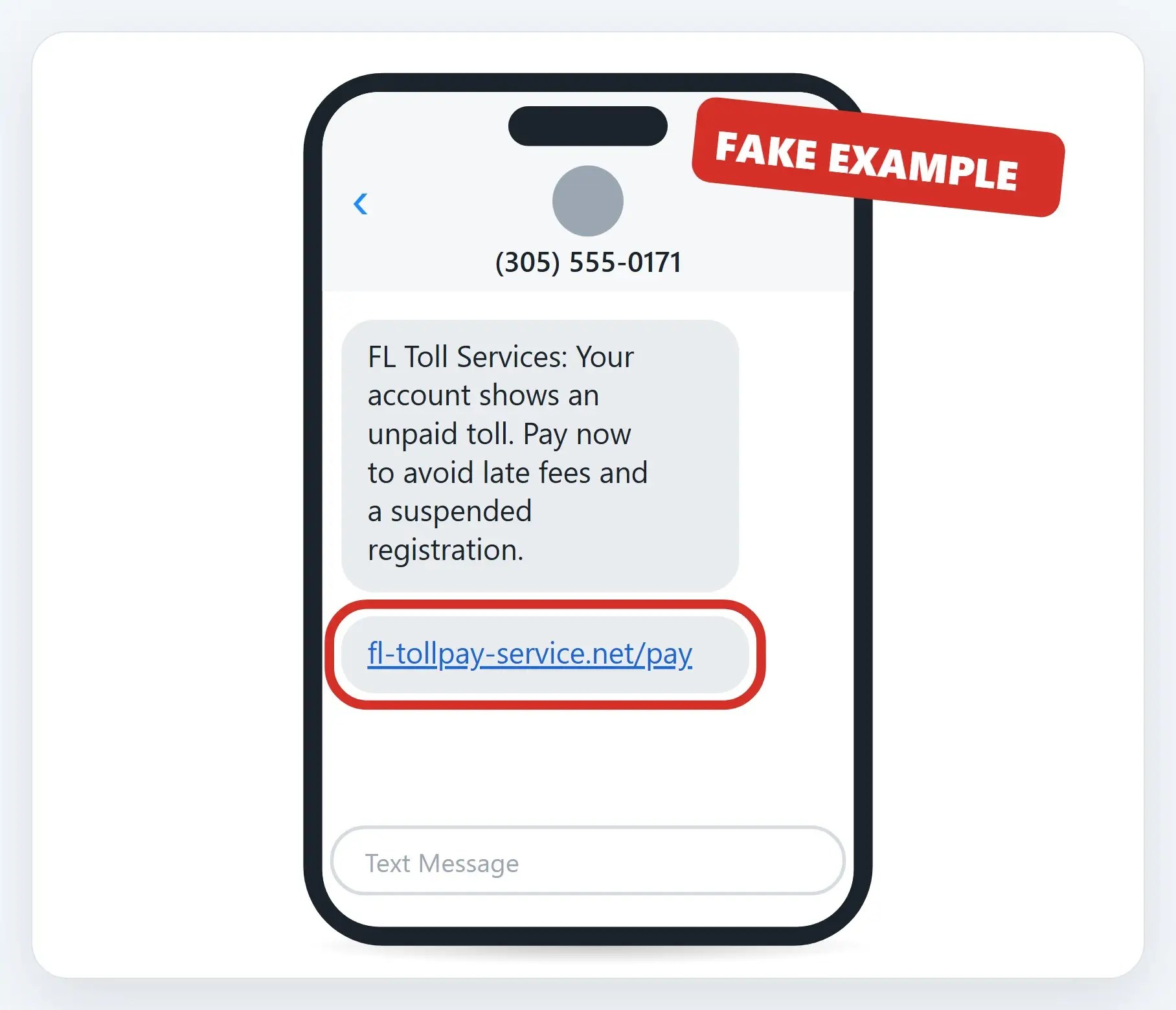
1An unpaid-toll text that isn’t from your tollway
The real sender is a random, unfamiliar number, not SunPass, E-ZPass, or your tollway’s name. The link goes to a copycat web address, not the tollway’s real site.
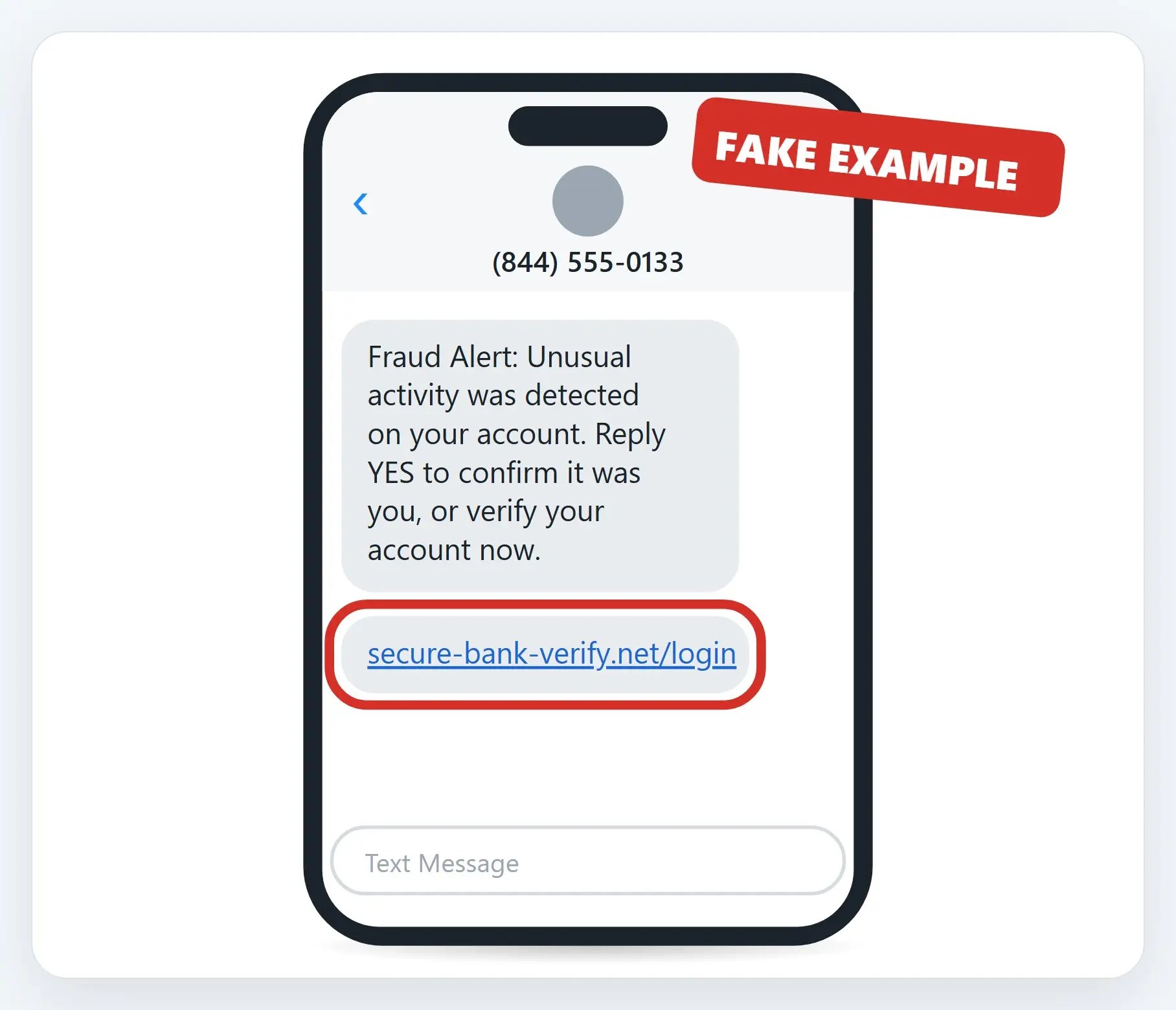
2A “fraud alert” that wants your login
A real fraud alert from your bank doesn’t ask you to “verify” by tapping a link or signing in through a text. This link leads to a fake sign-in page built to steal your username and password.
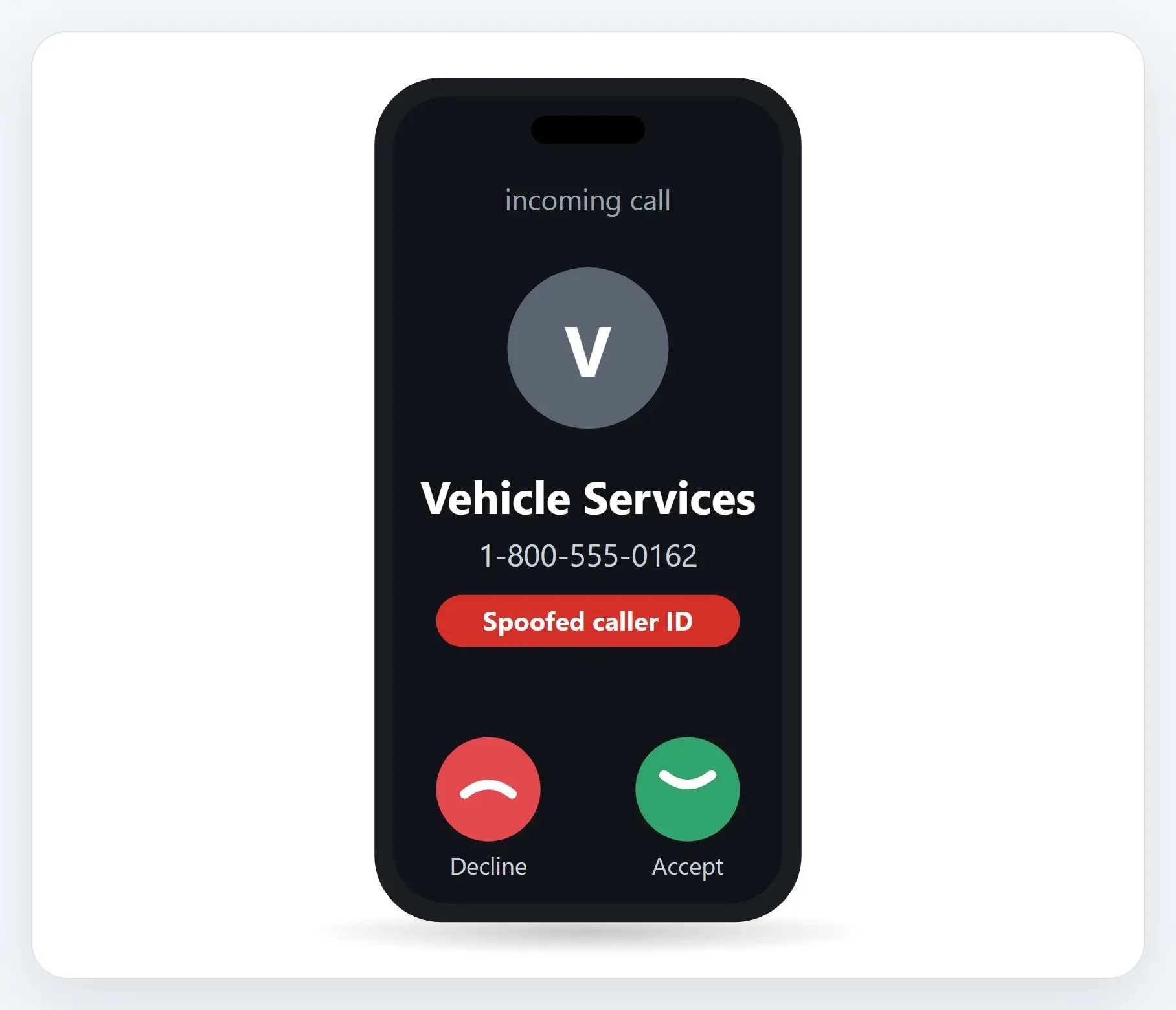
3A recorded voice with a “final notice”
Robocalls play a recording, not a live person, and the caller I.D. can show any name or number, even one made to look local.
The warning signs
- An unknown or random number — Real companies usually text or call from a consistent, known number
- Urgent, scary wording — Fees, suspension, arrest, fraud: designed to make you act before you think
- A link that doesn’t quite match — A copycat web address, not the company’s real one
- Asks you to pay, “verify,” or log in — Right there in the text, or by pressing a number on the call
What to do instead
- Don’t tap, click, or press a number — Not even to “verify,” “confirm” or get “removed”
- Go straight to the real app or website — Type the address in yourself, or use the official app
- Call a number you already have — From your card, your bill, or the company’s real website, not the message
- Forward spam texts to 7726 (SPAM) — Works on any phone; block the number too
Recap: how to avoid scam calls and texts
- Unpaid-toll texts: check your tollway’s own app
- Fake fraud alerts: your bank won’t ask you to “verify” by text
- Robocalls: caller I.D. can be faked; don’t press anything
- Links that don’t quite match are a giveaway
- Go to the real app, site, or number yourself
- Forward spam texts to 7726, and report it
Printable quick guide
Frequently asked questions
I got a text saying I owe an unpaid toll. Is it a scam?
Almost certainly. The Federal Trade Commission has warned that scammers are impersonating tolling agencies nationwide by text, claiming an unpaid toll and demanding quick payment through a link. Don’t tap the link; check your toll account directly in your tollway’s own app or by typing its real website address yourself.
Does my bank ever text me asking me to “verify” my account?
A real fraud alert won’t ask you to verify your account, or sign in, by tapping a link in a text. If you get one, don’t tap it. Open your bank’s own app, or call the number on the back of your card, to check for yourself.
Can scammers really fake caller I.D.?
Yes. Scammers can make any name or number show up on your phone, even one made to look local to you. Caller I.D. alone never proves who’s really calling.
Is it safe to press a number on a robocall to be “removed” from the list?
No. Pressing any number, even to opt out, usually just confirms your number is active and can lead to more calls. The safest move is to hang up and block the number.
How do I report a scam text or call?
You can forward a spam text to 7726 (SPAM) on any phone, and report scam calls and texts to the Federal Trade Commission at ReportFraud.ftc.gov.
Related guides
- How to spot a phishing email: 7 warning signs
- How to spot a fake Microsoft or Apple support call
- How to shop safely online this holiday season
Source: Got a text about unpaid tolls? It’s probably a scam (FTC)