
A Mac that won’t turn on can feel like an emergency, but it isn’t always a hardware failure. A bad cable, a dead outlet, or a drained battery can all look identical to a dead Mac from the outside. This guide walks through four safe checks worth trying first, based on Apple’s own guidance, before deciding it needs Apple repairs: the power and charger, whether it’s actually power or just the screen, a forced restart, and an SMC reset for older Intel Macs.
4 checks to try first
!Mac won’t turn on?
Before assuming the worst, a few safe checks rule out the easy explanations first.

1Check the power and the charger
A different outlet, a different cable if you have one, and let it charge for a few minutes before trying again.

2Check if it’s power, or just the screen
Listen and feel for fans or warmth; a Mac that’s on with a blank screen is a different problem than one that’s truly off.

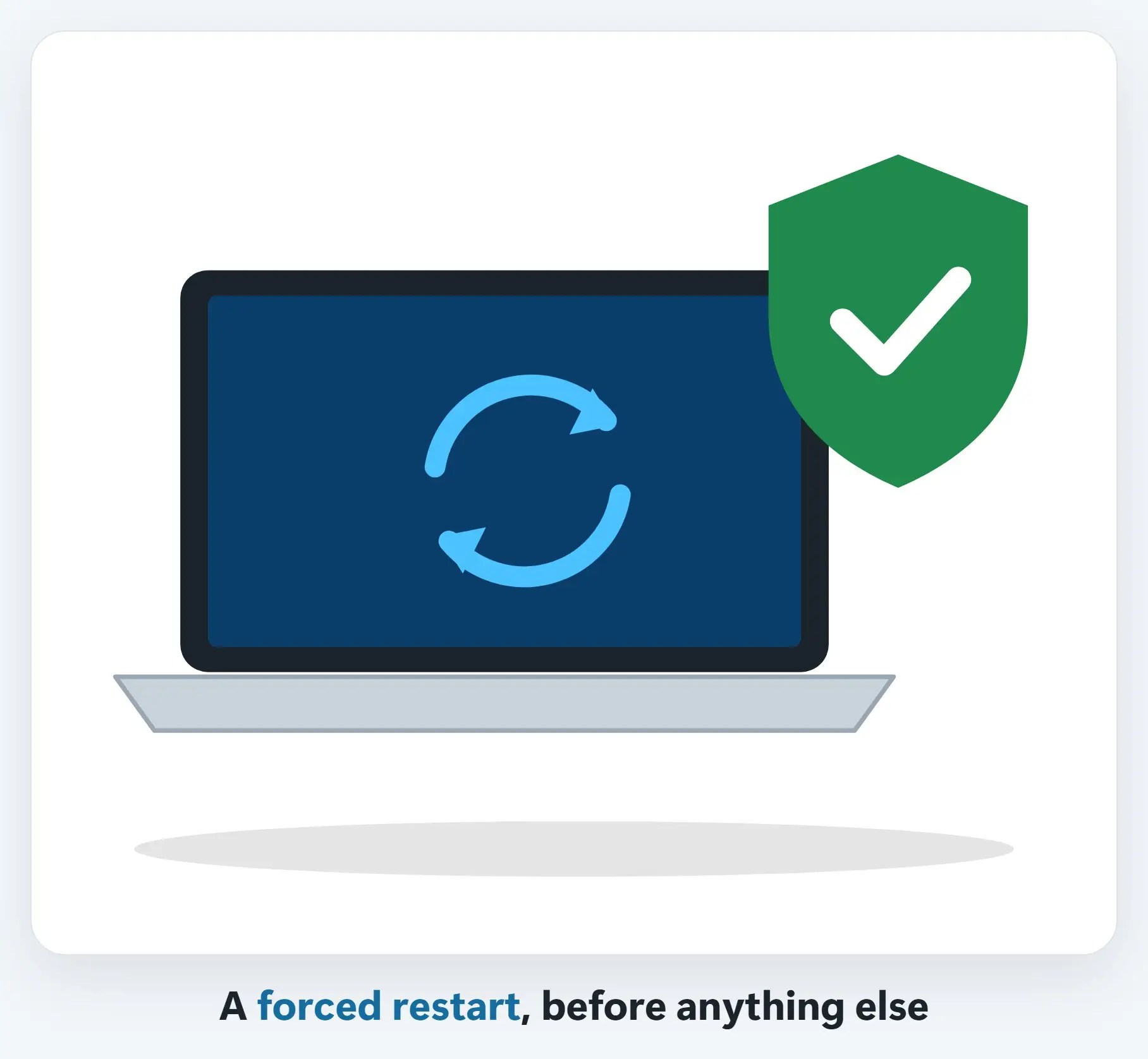
3A forced restart, then a reset
Hold the power button down for several seconds to force a restart; on older Intel Macs, an SMC reset can also help.
If none of that works
- It might need service — That’s Apple’s own guidance too, once the easy checks are ruled out
- Get a free diagnostic before deciding anything — A real look at what’s actually wrong, before you spend anything
- Your data matters, either way — Backed up first when the repair could affect it
Recap: Mac won’t turn on
- Check the power and the charger first
- Check if it’s power, or just the screen
- Try a forced restart, then an SMC reset if it’s an older Intel Mac
- Still nothing? Get a free diagnostic before deciding anything
Printable quick guide
Frequently asked questions
What should I check first if my Mac won’t turn on?
Start with power: try a different outlet and a different cable if you have one, and let it charge for a few minutes before trying again, since a fully drained battery can take time to respond.
How do I know if it’s actually a power problem or just the screen?
Listen and feel for fans or warmth. A Mac that’s actually on with a blank or dim screen is a different problem than one that’s truly off, and can look identical in a dim room.
What is a forced restart?
Holding the power button down for several seconds to force the Mac to restart, which can resolve the issue before anything more involved is needed.
What is an SMC reset, and do I need it?
It’s a reset that can help on older, Intel-based Macs. Apple silicon Macs don’t need this step at all, according to Apple’s own guidance.
What if none of these checks work?
According to Apple’s own guidance, a Mac that still won’t turn on after these checks might need service. A free diagnostic can confirm what’s actually wrong before you decide anything.
Related guides
- Repair or Replace? When an Older Computer Is Worth Fixing
- How to Prepare Your Computer Before Bringing It In for Repair
- How to Update Your Mac (macOS)
Source: If your Mac doesn’t turn on (Apple Support)