
A slow computer or a strange pop-up can feel alarming, but it isn’t always a sign of hacking; far more often it’s just age, a full drive, or too many startup programs. The real signs worth taking seriously look different: accounts you don’t recognize, password reset emails you didn’t request, or settings like your browser’s homepage changing on their own. This guide walks through how to tell the difference, and the first safe steps to take if you do suspect something’s wrong: disconnecting from the network, changing passwords from another device, and getting it checked before using it normally again.
What to do if you suspect a hack
?Think your computer’s been hacked?
Some signs are real red flags; others are just a slow afternoon. Here’s how to tell the difference.
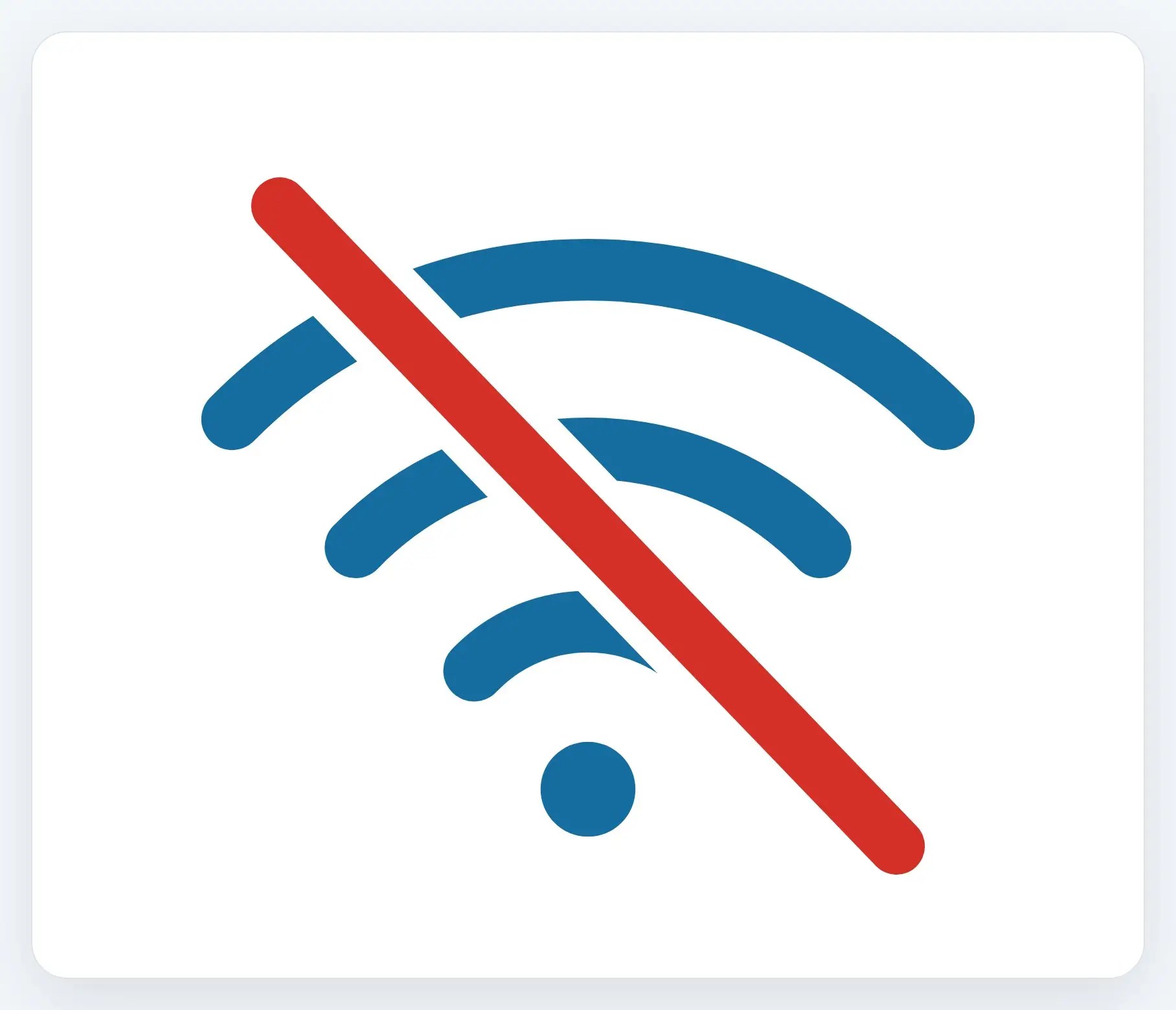
1Disconnect from the network
Turn off Wi-Fi, or unplug the cable, so nothing more can be sent out while you figure out what’s going on.

2Change passwords, from another device
Your phone or another computer, not the one you suspect; start with email, since it can reset everything else.
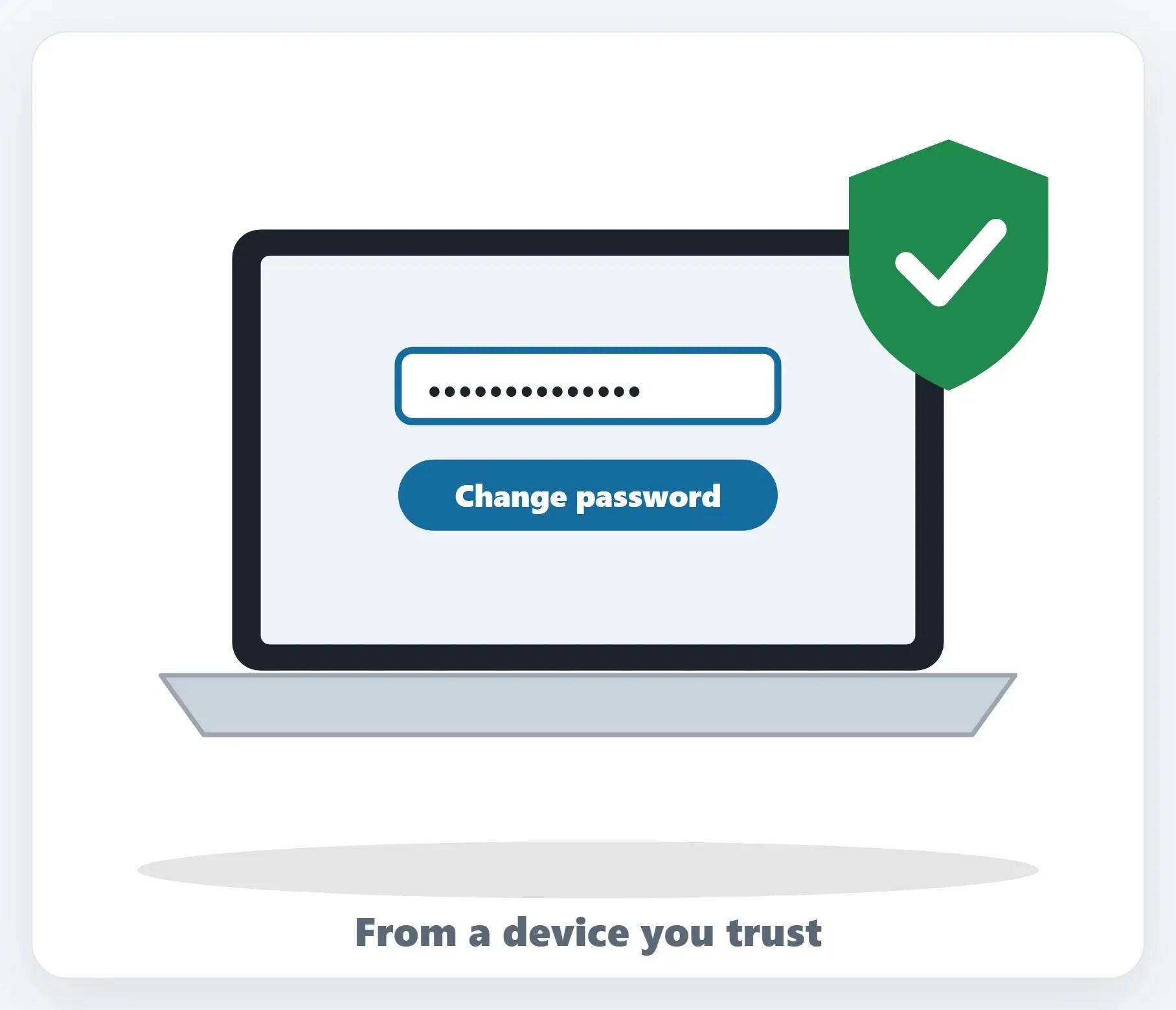
3Get it checked before using it again
A real look confirms what’s actually going on, and whether it needs a full cleanup.

A few more tips
- Turn on two-factor authentication — Even a known password becomes far less useful to someone else with this turned on
- Watch for follow-up messages — Friends or contacts reporting strange messages from your accounts is a real sign too
- Serious business incidents can be reported to CISA — The federal government’s cybersecurity agency accepts reports of cyber incidents
Recap: signs your computer was hacked
- Real signs: accounts you don’t recognize, or settings changing on their own
- Disconnect from the network first
- Change passwords from a different device
- Get it checked before using it again
Printable quick guide
Frequently asked questions
What are real signs my computer has been hacked?
Accounts you don’t recognize, password reset emails you didn’t request, logins from unfamiliar locations, or settings like your browser’s homepage and toolbars changing on their own are all real signs worth taking seriously.
Is a slow computer a sign of hacking?
Usually not. A slow computer is far more often caused by its age, a full drive, or too many programs starting up automatically, rather than hacking.
What should I do first if I think my computer’s been hacked?
Disconnect it from the network, by turning off Wi-Fi or unplugging the cable, so nothing more can be sent out while you figure out what’s going on.
Why should I change my passwords from a different device?
If something is still running on the affected computer that’s capturing what you type, entering a new password on that same computer would defeat the purpose. Use your phone or another computer instead, starting with email.
Should I report a hacked computer to the government?
For serious business incidents, CISA, the federal government’s cybersecurity agency, accepts reports of cyber incidents. For most personal situations, getting the device checked is the practical next step.
Related guides
- Repair or Replace? When an Older Computer Is Worth Fixing
- How to Clean Up a Hijacked Browser (Chrome, Edge)
- How to Turn On Two-Factor Authentication (Microsoft, Google)
Source: Reporting a Cyber Incident (CISA)